As the Chief Business Development Officer, Arty expands the company's client base and partnerships. His strategic mindset and passion for forging lasting business connections make him invaluable to the company's growth.
Launching a product without validated hypotheses drains budget on features nobody uses. This guide explains what an MVP is, why it matters for startups, and walks through the MVP development process step by step – from defining the core problem and prioritizing features to building, testing, and iterating on user feedback. It also covers launch preparation, best practices, common challenges, and real-world examples of MVP development.
Make a summary of this article with AI:
Launching a product without verifiable hypotheses invariably causes a drain on resources. Commonly, startups spend months developing features that have no impact on conversion or user retention. All of this happens because of a lack of validation before scaling.
MVP development incrementally rearranges this setup to break the cycle of building without validating. The team tests a specific business hypothesis endowed with minimal functionality by means of assessing user interaction with the product. This provides measurable data on what gets dropped off, what is ignored, and what works.
This article explains a step-by-step model of MVP development, from problem formulation to post-launch metric analysis, and presents MVP as a solution that impacts the product and the business.
MVP changes the sequence of actions: first, you validate the value, and only then do you scale up. This reversal helps avoid situations where the product is technically ready, but the market doesn’t need it.
What Is an MVP and Why It Matters for Startups
In a competitive environment, launching a full-fledged product without testing your hypotheses leads to a low-reward scenario of eventual cost overruns and delays. The MVP development process validates product ideas with minimal investment and faster time-to-market, giving startups a distinct advantage.
At this stage, it becomes clear whether there is demand for the product and whether users would be willing to pay for it. The MVP stage of startup protects businesses by minimizing risks while exploring product-market fit.
Definition of Minimum Viable Product
A Minimum Viable Product (MVP) is a general reference to a product’s basic version with a minimal set of features sufficient to solve a key user problem. The term has been coined and popularized by Eric Ries (author, entrepreneur, and author of The Lean Startup), and nowadays, tech startups regard it as a baseline.
The Role of MVP in the MVP Stage of Startup
The MVP stage of startup involves testing assumptions before scaling product development further, which is critical to achieving the desired outcome efficiently. At this point, scalability takes a back seat. The focus shifts to user experience: which features work best, which of them users are actually using, where they run into problems, and what they find most valuable.
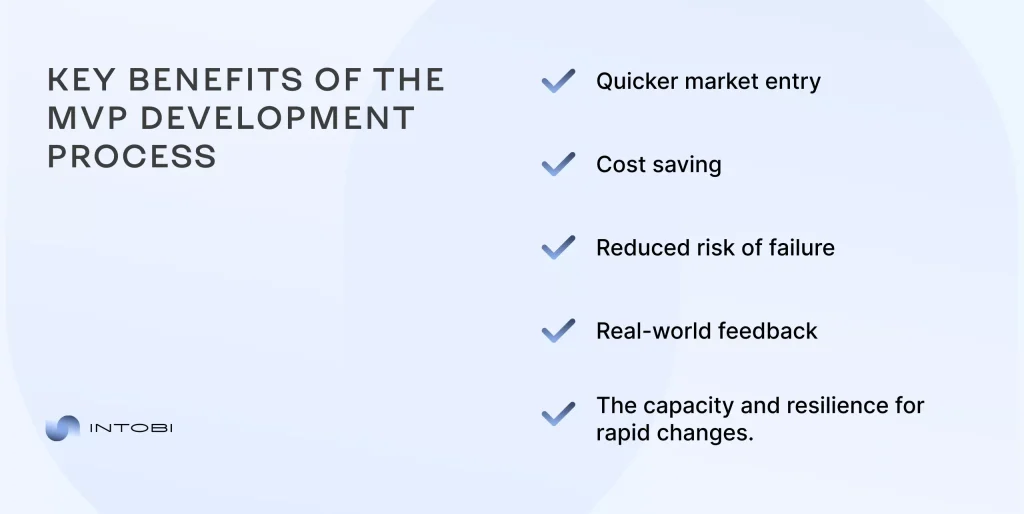
Key Benefits of the MVP Development Process
The MVP development process is designed to deliver singularly the essential features to solve core user problems. This is advantageous in many ways:
quicker market entry;
cost saving;
reduced risk of failure;
real-world feedback;
the capacity and resilience for rapid changes.
This way, the business receives a consistent model for user interaction. This does the spadework for scaling that is based on data.
Speed is by no means an end in itself, but a tool for gathering feedback from the market.
Interesting
The sooner the team receives this feedback, the less costly each mistake gets, and the faster they can develop a product that’s actually in demand.
For this approach to work, it is important to understand the value of an MVP and to optimize the process of creating it. This determines how quickly a team can move from an idea to a proven solution.
The MVP development process advocates and enables continuous iteration based on real user feedback and analytics. The corresponding procedures are cyclic and are specifically as follows: development→testing→enhancement.
An MVP is a closed-loop process in which each iteration builds on the previous one. Gradually, it reduces uncertainty and propels well-informed decision-making.
What Is the Minimum Viable Product Development Process?
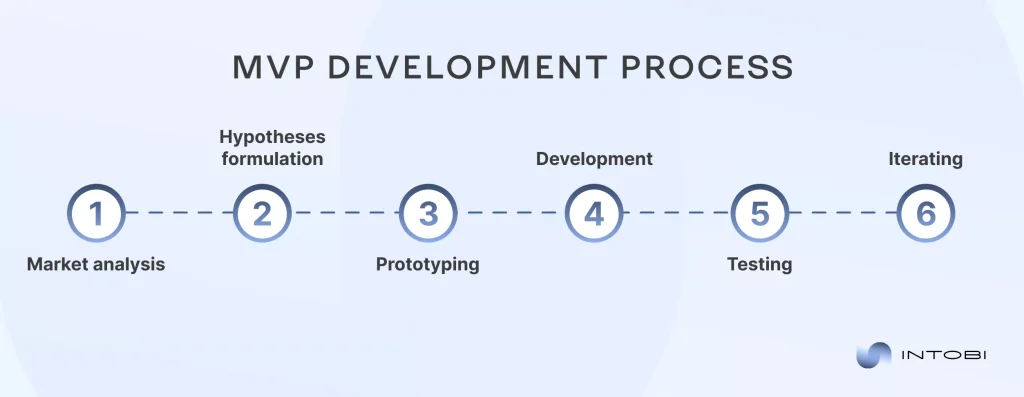
The minimum viable product development process entails research, prototyping, development, and testing. Such a comprehensive and structured approach prevents haphazardness and unites the team around a common goal. Key phases include (exclusively in that order):
Market analysis
Hypotheses formulation
Prototyping
Development
Testing
Iterating
In this sequence, each stage logically reinforces the next and eliminates doubt before moving forward. Thus, project teams can systemically and sustainably proceed from hypothesis to proven solution.
How the MVP Process for Startups Differs from Traditional Development
The minimum viable product development process contrasts with full-scale development as it holds speed and validation above all. The MVP process for startups favors learning and validation over feature completeness.
Traditional development suggests:
longer release cycles;
larger budgets;
aiming for the spot-on final result.
MVP logic tolerates:
short sprints;
minimal functionality preparation;
prompt hypotheses testing.
These approaches differ primarily in their decision-making logic. An MVP can mitigate hazards through rapid validation, whereas the traditional model attempts to eliminate them before products or services get marketed.
Core Principles of a Successful MVP Development Process
The minimum viable product development process pivots on efficient resource allocation in the early stages. Key principles include:
emphasis on value;
speed means more than perfection;
data takes precedence over assumptions;
flexibility in decision-making.
Every decision has a tangible impact on the product and business outcomes. Understanding exactly which factors are at play allows the team to allocate resources frugally and to systematically work toward validating key hypotheses.
These principles mean a strict hierarchy is at play: every feature, every sprint, and every decision must answer the question of whether or not they bring a project closer to validating the key hypotheses. If not, the task gets postponed or rejected.
Step-by-Step MVP Development Process for Startups
Once the principles have been established, they ought to be put into practice. Even the most effective approach loses its impact without a clear sequence of steps and becomes a random set of decisions.
Step MVP development process for startups provides a clear, actionable roadmap from idea validation to product launch.
MVP is also a practical tool that breaks down a complex process into clearly defined steps, each with specific deliverables. Thus, teams can work in sync, monitor progress, and make timely adjustments based on the data collected.
Step 1: Identify the Problem and Target Audience
MVP makes no sense without a solid understanding of the problem. It is therefore crucial to:
identify pain points;
segment the audience;
establish user personas.
At this stage, it is crucial to avoid a common mistake: framing the problem from within the business rather than from the user’s perspective. Interviews with potential customers, competitor analysis, and behavioral pattern analysis point to actual and urgent necessities.
Step 2: Define Core Features and Value Proposition
Focus on identifying the solution that directly addresses the core user problem. For instance, the MVP in Uber’s case is booking a ride, whereas Airbnb aims to simplify the booking of accommodation.
The value proposition must be formulated in a way that allows validation through a specific user action, such as registration, subscription, payment, or another meaningful interaction. If value cannot be measured, it cannot be validated.
Step 3: Create a Prototype or Wireframe
A wireframe is a static framework, a layout of elements (low-precision), whereas a prototype is a clickable, interactive model that simulates the actual operation of the product (detail-oriented). Wireframes outline and display the structure, while prototypes mirror the user experience (UX).
Prototyping allows you to detect UX issues before the development phase even begins: complex navigation, unclear user flows, or cluttered interfaces. It is much cheaper to fix these issues at the prototype stage than after release. It is, by all means, advisable to call in a favor of professional product design specialists.
Step 4: Develop the MVP Product
At this stage, a workable solution is produced. Key considerations:
Speed and quality require a controlled trade-off: technical debt can be tolerated only if it does not block future iterations. The architecture must support at least basic scalability.
Step 5: Test and Gather User Feedback
Actual users are by far the most credible source of information and truthful feedback. Essential metrics include:
retention rates;
conversion rates;
user behavior.
User behavior is an umbrella term for a string of quantitative and qualitative data pointing to how users interact with a website. These encompass:
bounce rates;
click-through rates;
conversion rates;
exit rates;
page views/page(s) per session;
rage clicks;
scroll depths;
session durations.
Quantitative metrics show what is happening, while qualitative ones explain why it is happening. Therefore, qualitative feedback (interviews, usability tests, session recordings) warrants closer scrutiny.
Step 6: Iterate and Improve
An MVP marks the beginning of a product’s journey. Iterations are based on:
analytics;
feedback;
business goals.
Iterations gain value when each hypothesis is isolated and followed by a dedicated test. When multiple variables change simultaneously, attributing outcomes to a specific factor becomes unreliable, as causal relationships can no longer be clearly identified.
MVP development steps bring order and structure to the product creation process by splitting it into manageable phases. Breaking down the steps makes the MVP development process more manageable. The more clearly defined the stages are, the easier it is to identify bottlenecks and adjust the approach.
Prioritizing Features for Faster MVP Launch
Prioritization is key to planning and executing procedures related to MVP development. The integral methods include:
MoSCoW method (must/should/could/won’t), to urge early delivery of critical features;
value vs effort dichotomy explication, to maximize output through ROI and yield the highest impact with available resources;
Kano model, to organize product features based on how they affect user satisfaction.
Choosing the Right Technology Stack
Optimal selection of an appropriate technology stack accounts for:
Apart from the basic criteria, it’s important to consider development speed and the availability of developers. The chosen tech stack should meet project requirements and allow for rapid team scaling.
Building a Scalable MVP
MVP is by no means a one-time product. As a concept, it concurs that the architecture of a digital product should allow for scaling without a complete rewrite. Scalability at the MVP level anticipates and, therefore, relies on the predictability of essential modifications. The codebase should support the addition of new features while leaving existing modules untouched.
Preparing for a Successful MVP Launch
MVP launch most certainly ought to be considered a data-collecting phase rather than a final product release. Once development is complete, the quality of the preparation leading up to it still matters. This stage determines the utility of the resulting data.
Pre-Launch Checklist for Startups
Before the procedures for a final product release commence, be sure to:
test functionality;
conduct basic analytics;
onboard users;
secure technical stability.
Setting up analytics tools (such as Google Analytics, Hotjar, or Mixpanel) and defining key metrics before launch ensures that collected data remains structured and actionable. Without this preparation, the resulting data is often fragmented and offers limited practical value.
Common Mistakes to Avoid Before MVP Launch
Typical missteps in MVP planning revolve around:
feature overload;
lack of clear value;
neglecting UX;
launching without testing.
How to Measure Success After MVP Launch
Key metrics to track after launch:
customer acquisition cost (САС);
lifetime value (LTV);
churn rate;
engagement.
When evaluating MVP performance results, it is important to consider both the absolute values of the metrics and their trends. For example, an increase in retention, even when the current values are low, may indicate that the product is heading in the right direction.
MVP development steps should always complement both user needs and business goals. MVP ought to serve the goal of tackling business objectives and technical aspects alike.
Using Agile in MVP Development Steps
Agile is an iterative and collaborative approach to software development, designed to deliver working increments of software bit by bit and successively rather than all at once. In MVP development, Agile provides for:
swift adaptation;
consistent work in iterations;
gradual and sustainable mitigation of risks.
Leveraging User Feedback Effectively
Feedback is where every interaction’s purpose truly lies, which is especially true about software development and SaaS solutions in particular.
Meaningful feedback (i.e., the one that makes sense) is:
regular;
structured;
measurable.
Priority should be given to recurring signals affecting key metrics.
Common Challenges in the MVP Development Process
Overbuilding the Product
Adding unnecessary features is a common mistake. This slows down startup and increases costs.
Ignoring Market Validation
Validation is what elevates a product to the status of a business.
Budget and Time Constraints
Constraints can do good, especially when it comes to unlocking a product’s potential when the entire niche is stagnant. This explains why the MVP approach works: it urges you to keep functioning under uncertainty.
Dropbox has organically embedded a video demo rather than a finished product. Airbnb prides in being a straightforward rental website. Uber has taken the quality of ride-hailing functionalities to the next level, setting the bar really high for those who follow. What these three companies have in common is that they chose not to build complex systems right away, but tested the market instead.
Most setbacks emanate from scaling too soon, when a team invests in marketing or infrastructure before the product’s core value receives its validation.
Conclusion: Mastering the MVP Development Process for Startup Success
MVP development is how strategic thinking manifests itself. As a method, it:
reduces risks;
optimizes expenses;
builds a product based on real data.
Companies that systematically work with data and hypotheses form a competitive advantage in the accuracy of their decisions.
If you require a team to guide you through MVP development from ideation to product launch, feel free to reach out to us.
FAQ
How to build an MVP?
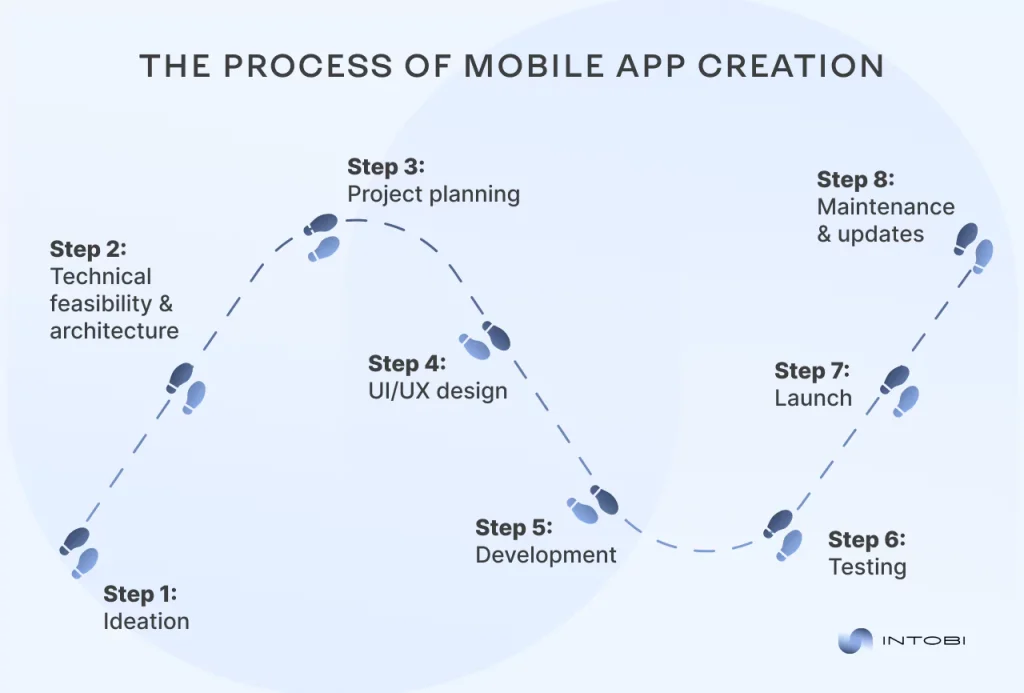
To develop an MVP, begin by identifying the problem. Then define a value proposition and select key features. Create a prototype and launch a base version of the product. Gather feedback for future iterations. Thus, the MVP development process comes full circle.
What are the stages of MVP development?
Creating an MVP consists of: market research, feature definition, prototyping, development, testing, launch, and subsequent refinement based on user behaviors.
What is an MVP development plan?
An MVP development plan is a carefully structured document that outlines the product’s goals, target audience, features, technology stack, budget, timeline, and success criteria.
A web application lets users access functionality and data through the browser without installing anything, which makes it a popular starting point for a new online business. This article explains the web application landscape and shares 25 profitable web app ideas for 2026 – across education, healthcare, AI, e-commerce, and more – along with a practical guide to building your own.
Make a summary of this article with AI:
Want to create an online project that will generate income for you? A web application is just what you need! It is software or a service accessed through a web browser and runs on a web server. In fact, web apps allow users to access functionality and data over the Internet without installing special software on their devices. This made them very widespread and convenient to use.
Sometimes, you need an idea for your next project, but the thought doesn’t come to mind. We have prepared a web app ideas list with 25 alternatives for creating web applications.
Understanding web applications universe
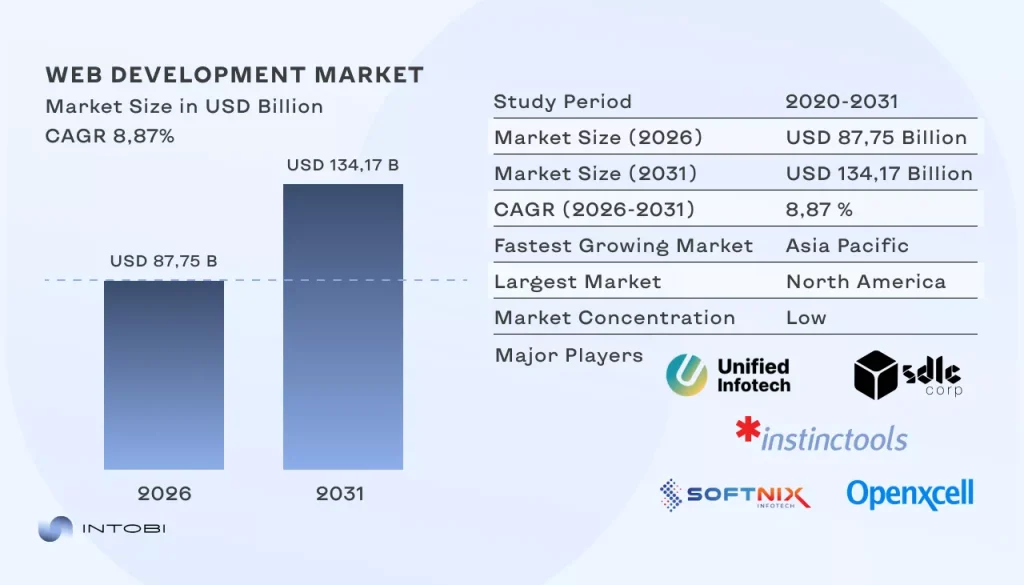
The web development services market was valued at USD 80.6 billion in 2025. It’s projected to grow from USD 87.75 billion in 2026 to USD 134.17 billion by 2031. This market growth reflects steady demand for scalable digital products, especially web apps. They account for 57.35% of the total web development services market share in 2025.
A web application is a software program designed to be accessed and used through a web browser. Unlike traditional software installed on a device, web apps are hosted on remote servers and delivered to users online. This accessibility and connectivity make web apps a vital part of our daily routines. However, creating a seamless user experience requires a sophisticated development process that bridges the gap between complex backend logic and intuitive frontend design.
In fact, web applications come in various forms, from simple online calculators and social media platforms to complex e-commerce websites and collaborative project management tools.
Interesting
What distinguishes web app projects is their ability to provide dynamic and interactive experiences to users.
These apps rely on web technologies, such as HTML, CSS, and JavaScript, to present information in a user-friendly form, respond to user input, and communicate with servers to bring and store data.
Charting the future: 25 web application project ideas
As technology advances and user expectations reach new heights, the demand for new web applications rises. Here, you can discover the most promising and unique ideas for web apps that could shape the digital landscape in the year ahead.
1. Educational training web apps
The traditional boundaries of education are blurring, thanks to the advent of digital platforms. In 2026, educational training web apps are set to harness the power of global connectivity, enabling students to connect with tutors from around the world.
Global tutor marketplace: Imagine a web app where students can search for tutors globally based on their expertise and availability. The platform could facilitate one-on-one virtual tutoring sessions, offering diverse subjects and skills.
Language exchange communities: Language learners often seek opportunities to converse with native speakers. A web app can create a global network of language enthusiasts, facilitating language exchange sessions through video chats or messaging, making it easier for learners to practice and improve their language skills.
Preply
It is an online platform that connects students with tutors across various subjects, including languages, academic subjects, and music. Students can search for tutors based on their expertise and schedule lessons according to their preferences.
2. Telemedicine platform top app ideas
Telemedicine has seen a significant wave in recent years, and in 2026, it’s likely to offer groundbreaking web app possibilities for healthcare access and convenience.
AI-enhanced symptom checker: Develop a web app that utilizes AI to accurately assess symptoms and connect users with appropriate healthcare professionals for teleconsultations.
Remote monitoring hub: Build a platform for patients to upload health data from wearable devices, enabling doctors to monitor and provide care remotely.
Teladoc
It is a prominent telemedicine platform offering virtual consultations with healthcare professionals. This telemedicine web app introduces real-time AI diagnosis, enabling users to receive preliminary evaluations before connecting with a healthcare provider.
3. Payment gateway web apps
With the continuous evolution of digital transactions, web apps in the payment gateway arena are poised to redefine how we handle financial transactions.
Cryptocurrency payment processor: Create a payment gateway app that simplifies cryptocurrency transactions for businesses, allowing them to accept various cryptocurrencies easily.
Global microtransactions: Design a web app for microtransactions that can be used worldwide, enabling users to pay tiny amounts for content like articles, music, or games.
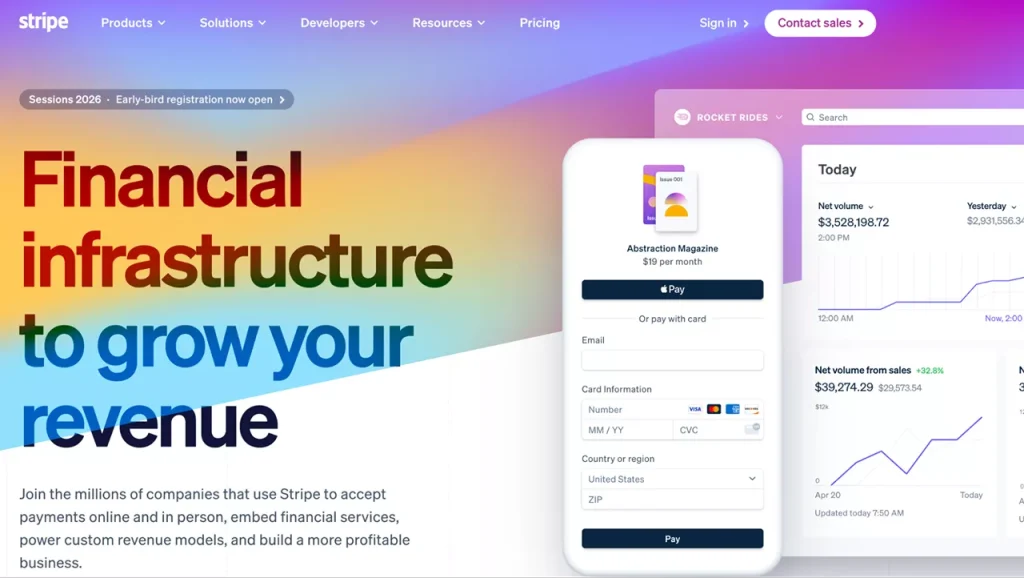
Stripe
A web platform that allows businesses to accept online payments via cards and digital wallets. It handles transaction processing, security, and regulatory compliance within one service.
4. Food delivery web apps
Food delivery apps have become an integral part of modern living. In 2026, innovation in this field may focus on enhancing user experience and sustainability.
Nutrition-oriented meal planner: Develop a web app that recommends and delivers healthy, balanced meals based on users’ dietary preferences and health goals.
Zero-waste food rescue: Create a platform that connects restaurants, grocery stores, and consumers with surplus food, reducing food waste by making it available for purchase at a discount.
Goldbelly
It is a well-known food delivery web app that has gained popularity for its unique approach to connecting users with iconic regional dishes and specialty foods across the United States. Goldbelly has become a go-to platform for food enthusiasts seeking a taste of their favorite dishes or regional delicacies, no matter where they are located.
5. AI chatbot startup app ideas
AI-driven chatbots have transformed customer service, but there are numerous untapped opportunities to explore in this domain for 2026.
AI-driven personal shoppers: Build a chatbot app that understands users’ fashion preferences and suggests clothing items, making online shopping a more personalized experience.
Mental health companion:Create an AI chatbot that provides support and resources for users dealing with stress, anxiety, or depression, offering a listening ear 24/7.
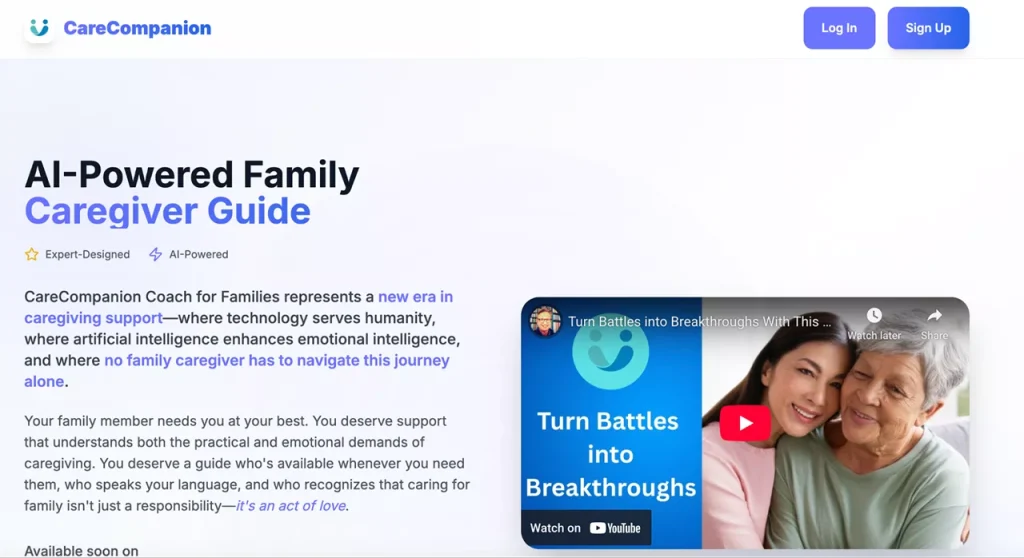
CareCompanion
It is an AI chatbot designed to offer companionship and support for individuals with mental health issues, providing empathetic conversations and resources.
6. Blockchain-based marketplace web app project ideas
Blockchain technology has disrupted various industries, and in 2026, the world of blockchain-based marketplaces will likely witness new, innovative web apps.
Digital art auction: Establish a blockchain-based marketplace for buying, selling, and auctioning digital art, securing origin and authenticity using blockchain technology.
Tokenized real estate investment: Develop a platform for fractional real estate ownership through blockchain tokens, allowing small investors to access the real estate market.
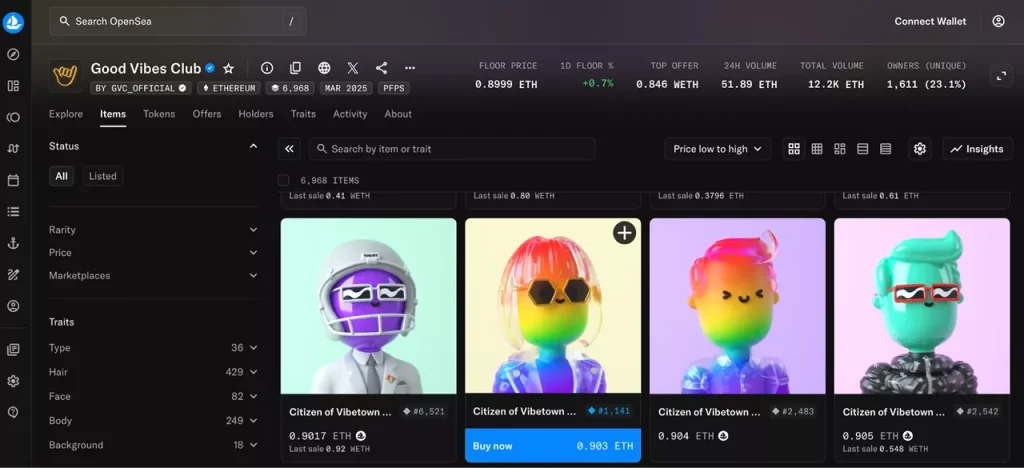
OpenSea
It is a leading NFT (non-fungible tokens) marketplace that has gained immense popularity for buying, selling, and trading digital collectibles. It has profoundly impacted the world of digital art, NFTs, and collectibles.
7. AI-language translation and learning web apps
Need great business app ideas? In our interconnected world, language translation and learning are essential. Web apps in this category continue to transform language acquisition.
Language tutor with AI feedback: Create a language learning app that teaches users new languages and provides AI-driven feedback on their pronunciation and grammar.
Live translation assistant: Develop an app that translates spoken language in real-time, making it a valuable tool for travelers or international business meetings.
It is a language-learning web app known for its immersive and interactive approach to language acquisition. Rosetta Stone uses AI to tailor lessons to individual learners, helping them gain fluency in new languages.
8. NFT marketplace web apps
NFTs (non-fungible tokens) have taken the art and collectibles world by storm. In 2026, we can expect new applications for NFT marketplaces.
Music royalties NFTs: Create a platform where musicians can tokenize their royalties, allowing fans to invest in their favorite artists’ future earnings.
Collectible bookmarks: Establish a marketplace for digital collectible bookmarks, where readers can own and trade unique digital bookmarks tied to books, authors, or genres.
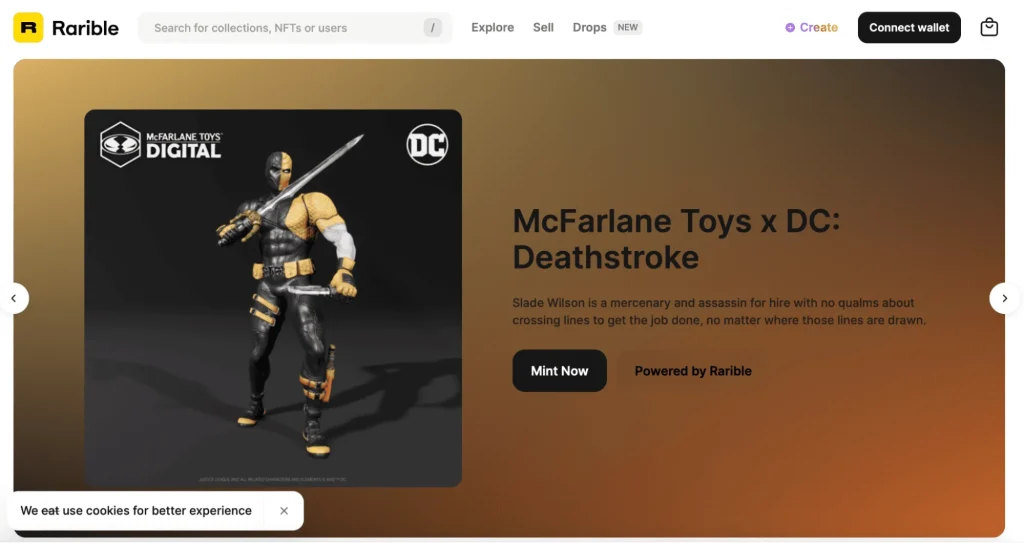
Rarible
It is a leading NFT marketplace that allows users to create, buy, and sell digital collectibles, contributing to the global NFT craze.
9. Mental healthcare web apps
Great ideas for an app! Mental health awareness is on the rise, and web apps in this field have the potential to offer valuable support and services.
AI-driven cognitive behavioral therapy (CBT): Develop an app that offers CBT programs with AI-driven assessments and feedback for individuals seeking therapy.
Community support network: Create a mental health web app that connects people facing similar challenges, providing a platform for mutual support and coping strategies.
Numo ADHD
An application designed to address Attention Deficit Hyperactivity Disorder (ADHD) by incorporating gamification elements and providing comprehensive support. This platform offers concise educational resources accompanied by humorous memes.
It includes a socially oriented task management system tailored to individuals with ADHD. Users like this app for its dynamic, user-friendly, and engaging experience.
10. VR-driven workspace web apps
The way we work is evolving rapidly, and VR (virtual reality)-driven workspace web apps are poised to redefine the future of work.
Virtual office spaces: Design a web app that allows businesses to create virtual office spaces where employees can collaborate and work in a shared VR (virtual reality) environment.
VR fitness studio: Establish a virtual reality fitness studio where users can join live classes, exercise, and socialize in an immersive VR environment.
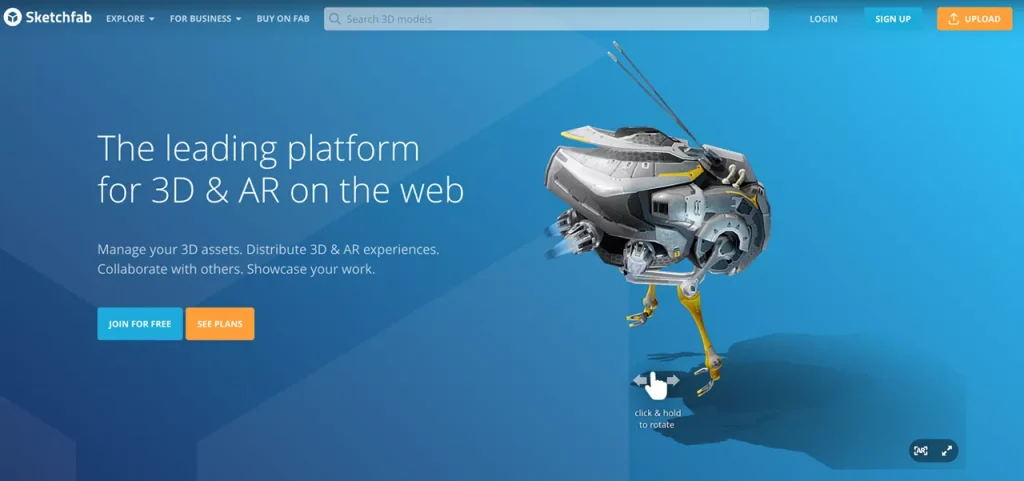
Sketchfab
This project is a web platform for 3D and AR content where users can create, store, showcase, and sell 3D models.
11. CRM for startups/small businesses web apps
Customer relationship management (CRM) tools are essential for small businesses and startups, helping them manage and facilitate client relationships.
AI-powered sales assistant:Create a CRM with an AI-driven sales assistant that provides personalized recommendations, lead scoring, and sales strategy insights for startups and small businesses. For example, the AI could suggest the best time to contact leads or recommend cross-selling opportunities.
Customer engagement analytics: Develop a CRM that analyzes customer engagement data. It could offer tools to track and interpret customer behavior across various digital channels, helping businesses tailor communication strategies.
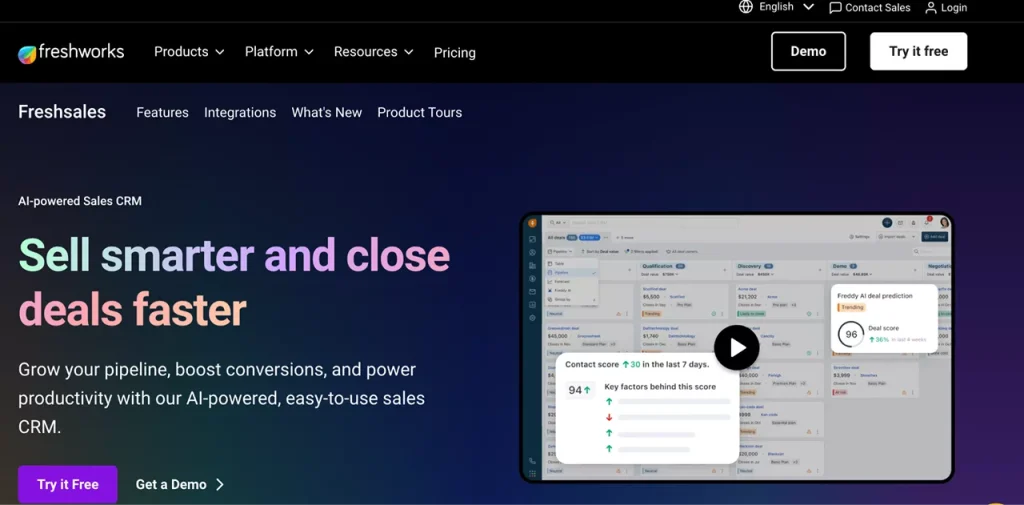
Freshsales
It is a robust CRM platform designed to meet the specific needs of small businesses and startups. It offers comprehensive features, empowering these enterprises to manage their customer relationships efficiently and scale their operations.
12. On-demand home service web apps
The on-demand home service sector has seen remarkable growth, and in 2026, we can expect even more innovation.
Smart home maintenance planner: Build an app that uses IoT (Internet of Things) and AI to predict when home appliances and systems require maintenance. Users can schedule services proactively, reducing breakdowns and repair costs.
Home renovation marketplace: Create a platform connecting homeowners with renovation experts and contractors. Users can receive quotes, view past projects, and track progress through the app.
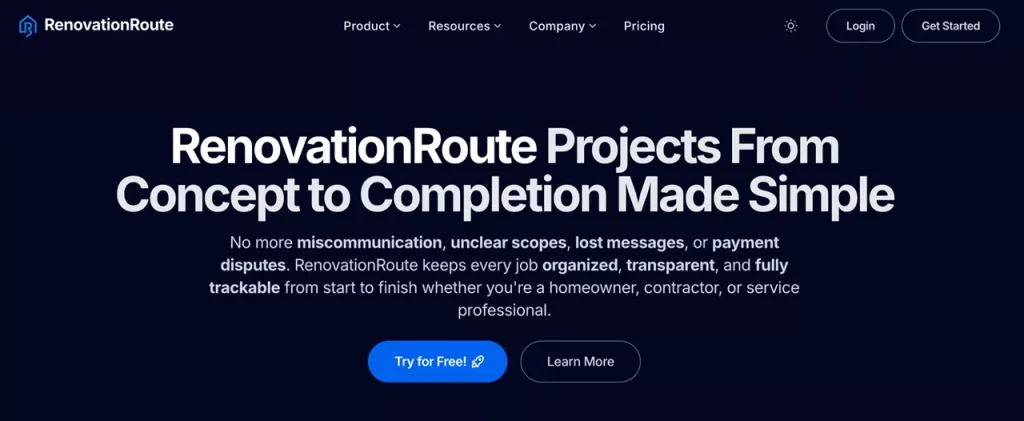
RenovationRoute
It is a comprehensive home service platform. Here, homeowners can post their renovation projects, receive transparent quotes from contractors, compare estimates, and track progress directly within the web interface.
13. Event management web apps
Event planning has evolved significantly, and web apps are at the forefront of this transformation.
Sustainable event planner: Develop an event management app that promotes sustainability. It could include features for finding eco-friendly venues, sourcing local and organic catering, and tracking the carbon footprint of events.
Virtual event marketplace: As virtual events grow, design a platform that connects event organizers with service providers specializing in virtual event solutions, such as virtual stage design or VR experiences.
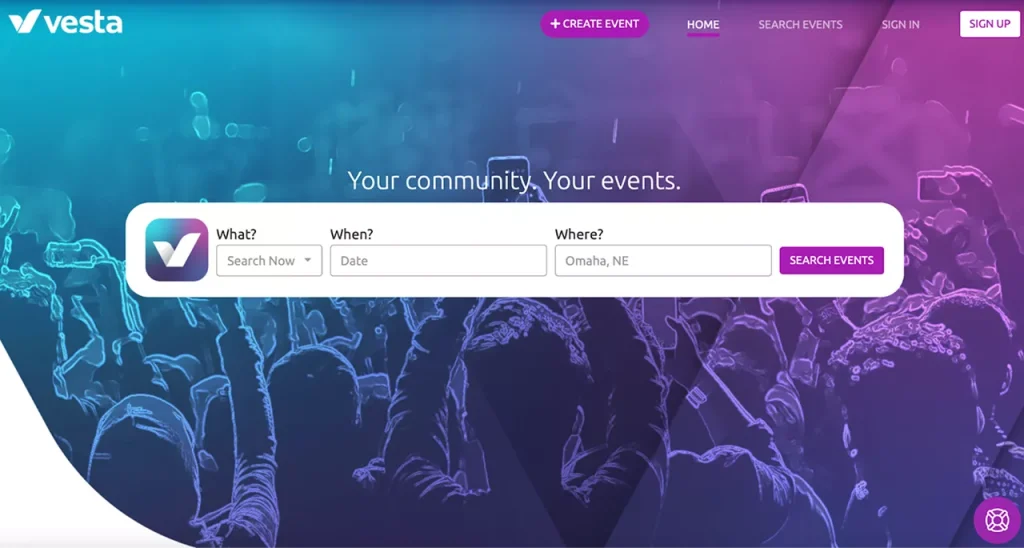
Event Vesta
An event management app that streamlines the planning and execution of events, offering features like budget tracking, guest management, and real-time event analytics.
14. Real estate listing portal web app ideas
The real estate industry relies on listing portals to connect buyers and sellers.
Augmented reality property viewer: Enhance the real estate listing experience with AR. Users can view properties through their smartphone’s camera, seeing virtual furniture and decor in real time to visualize the potential of a space.
Real estate investment network: Create a social network for real estate investors. Users can connect, share insights, and even collaborate on real estate projects. The app also provides market insights and investment tools.
Redfin
It is a web app that combines real estate listings with a team of local agents. Redfin offers services like virtual tours and advanced search options to make home-buying more efficient.
15. AI-driven online booking web apps
Online booking systems have made scheduling and reservations more convenient.
Personalized travel сoncierge: Develop a travel booking app that uses AI to curate customized travel itineraries. It considers users’ preferences, past travel history, and real-time data to offer unique and tailored experiences.
AI health diagnostic scheduler: A healthcare app that uses AI to help users schedule doctor’s appointments based on symptom analysis. The app can recommend specialists and provide health tips.
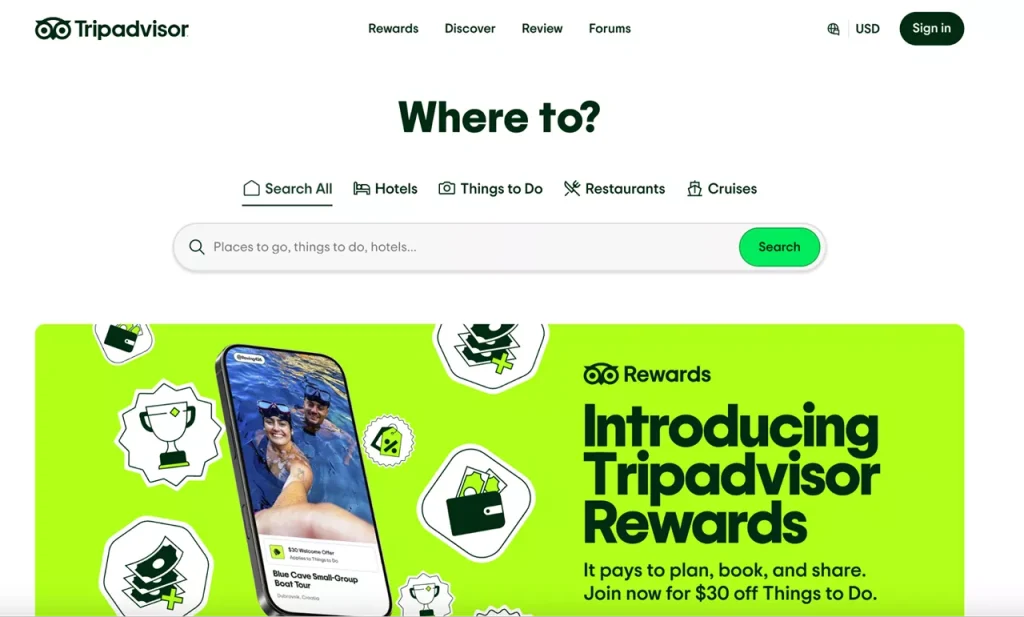
TripAdvisor
The web app uses AI to help travelers discover, compare, and book hotels, restaurants, and tours. It also provides a platform for user reviews and recommendations.
16. Review platform web application development ideas
Review platforms are essential for consumers seeking opinions and feedback on products and services.
AI-enhanced product reviews: Create a review platform that uses AI to analyze and summarize product reviews. Users can quickly grasp the key takeaways from reviews, saving time in their decision-making process.
Verified expert opinions: Develop a platform where experts in various fields (e.g., tech, fashion, health) provide reviews and recommendations. Users can trust the insights from verified industry professionals.
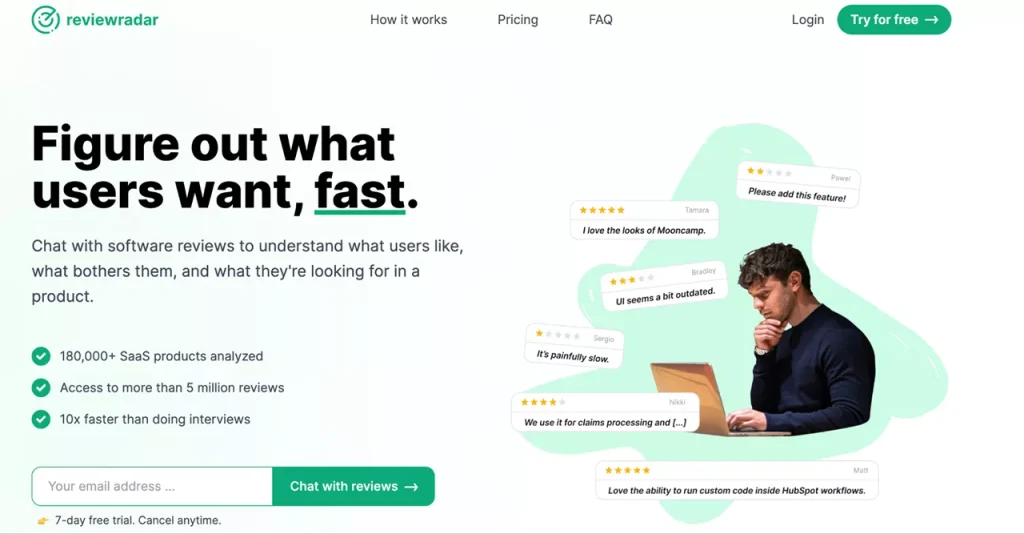
Review Radar
A platform that aggregates and verifies reviews across the web, providing a single source of trusted, unbiased reviews for products, services, and businesses.
17. Family platform web apps
Family platforms are among the best web application project ideas. These web apps are central to keeping families connected and organized in a fast-paced world.
Family health and wellness tracker: Create a comprehensive platform for families to track health and wellness data for all members. Users can schedule medical appointments, log exercise and diet data, and set health goals.
Family finance and budgeting: A family-centric financial app that helps manage household finances. It allows for shared budgeting, expense tracking, and setting financial goals together.
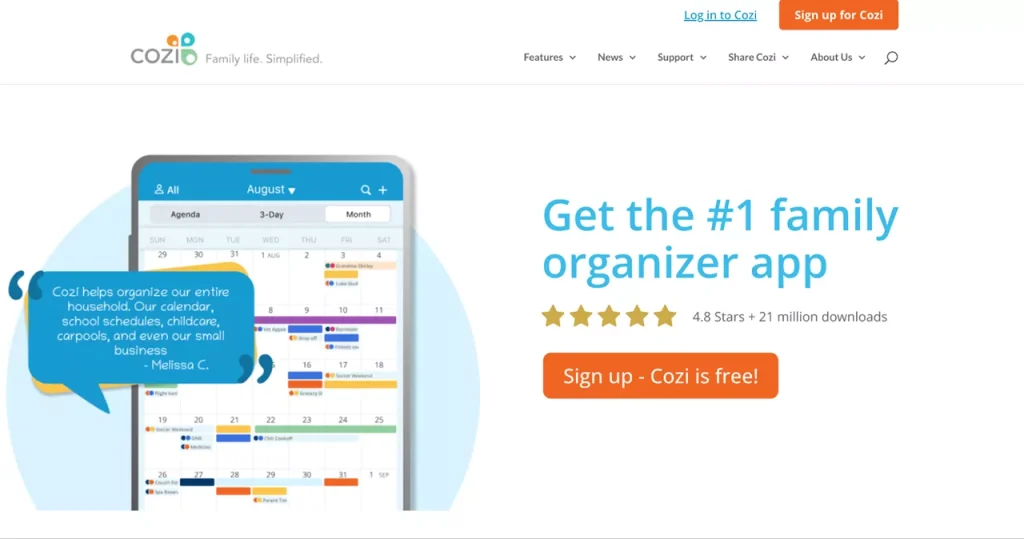
Cozi
It is a comprehensive family management web app that has been a game-changer for families looking to streamline their lives. Cozi helps families stay organized, manage schedules, and share important information effortlessly.
18. Pet care provider platform web app project ideas
Pet care providers have welcomed technology to make services more accessible and efficient.
Pet health and wellness hub: Develop a platform where pet owners can access health records, schedule vet appointments, and receive personalized pet care tips.
Lost and found pet network: Create a network to help locate lost pets. Users can report lost pets, and the app utilizes community involvement and location tracking to facilitate pet reunions.
PetPal
It is an all-in-one platform connecting pet owners with professional pet care providers, including walkers, sitters, and trainers, with features like in-app scheduling and real-time pet monitoring.
19. Ride-sharing web apps
Need more web application ideas? Ride-sharing apps have transformed urban transportation, and in 2026, they’re set to become more sustainable and user-centric.
Micro-mobility integration: Expand ride-sharing to include various micro-mobility options like e-scooters, e-bikes, and even electric skateboards, making it a one-stop solution for urban transportation.
Ride-sharing for people with disabilities: Design a specialized ride-sharing platform that ensures accessibility for people with disabilities, including vehicles equipped with ramps and trained drivers.
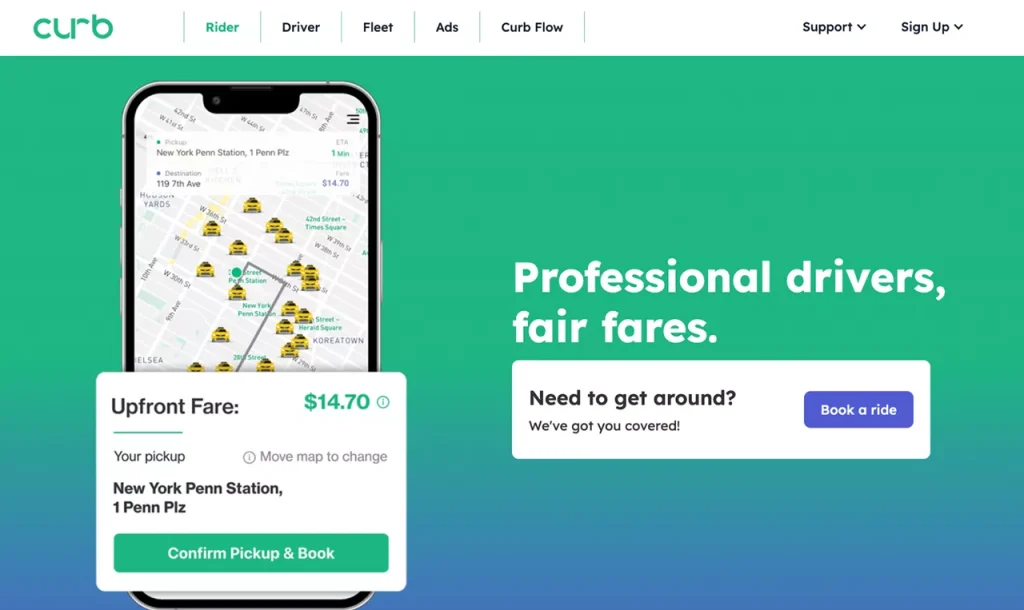
Curb
It is a ride-hailing app that connects users to licensed and professional taxi drivers. Curb provides a reliable and safe transportation option for users who prefer traditional taxi services.
20. Employee orientation and training web app projects
Employee orientation and training are crucial for organizational success, and web apps have made these processes more accessible.
Immersive onboarding VR: Create a virtual reality-based onboarding experience. New employees can navigate an immersive virtual workspace, getting to know their new colleagues and company culture.
AI-enhanced continuous learning: Develop an AI app to recommend personalized learning paths and resources for employees, helping them acquire new skills and knowledge relevant to their roles.
Arrange
At Intobi, we developed Arrange, a robust web-based EdTech platform that combines course management, CRM, and automated student communication.
If you need help implementing a similar web app, or have any other web development ideas, we can help you.
21.Workflow management web apps
Web applications dedicated to workflow management are the digital framework that seamlessly connects businesses and teams.
AI-enhanced project manager: Develop a web app that integrates AI to optimize project workflows. It can analyze task dependencies, allocate resources, and update real-time project status.
Cross-platform workflow integrator: Create a platform that seamlessly integrates workflows across various apps and platforms. Users can automate repetitive tasks and data transfer between their preferred tools.
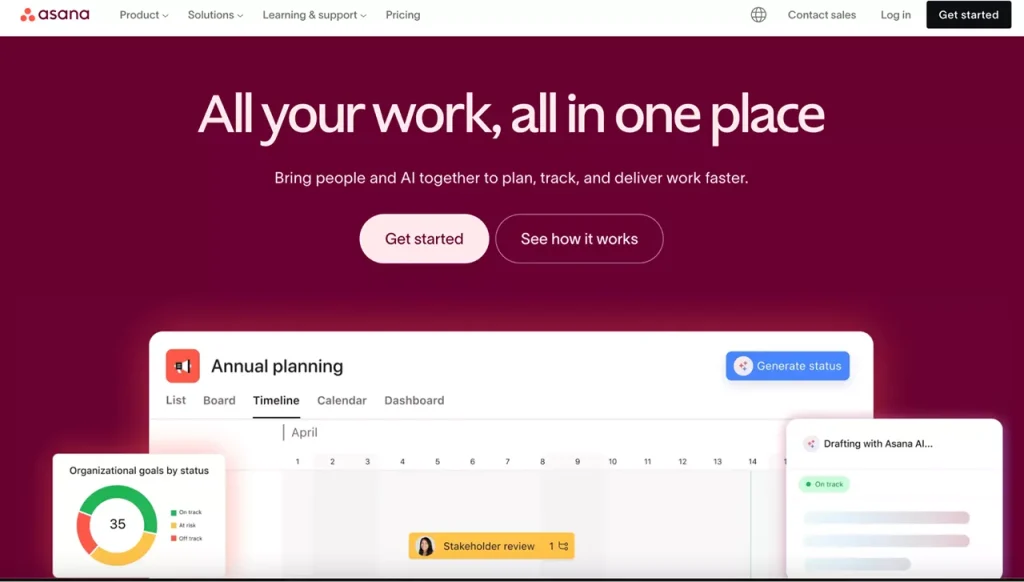
Asana
It is a widely used web app that streamlines task and project management. Asana provides teams with a platform to create, assign, and manage tasks collaboratively.
22. No-code talent marketplace web apps
No-code talent marketplaces will empower individuals to showcase their unique skills and find opportunities in a digital landscape where merit and talent take precedence over traditional barriers.
No-code freelance platform:Develop a marketplace where businesses can find freelancers skilled in no-code app development, graphic design, or content creation. Users can post projects and connect with no-code experts.
No-code skill exchange: Create a community-driven marketplace where users with no-code skills can exchange services, knowledge, or mentorship. It encourages collaborative learning and project development.
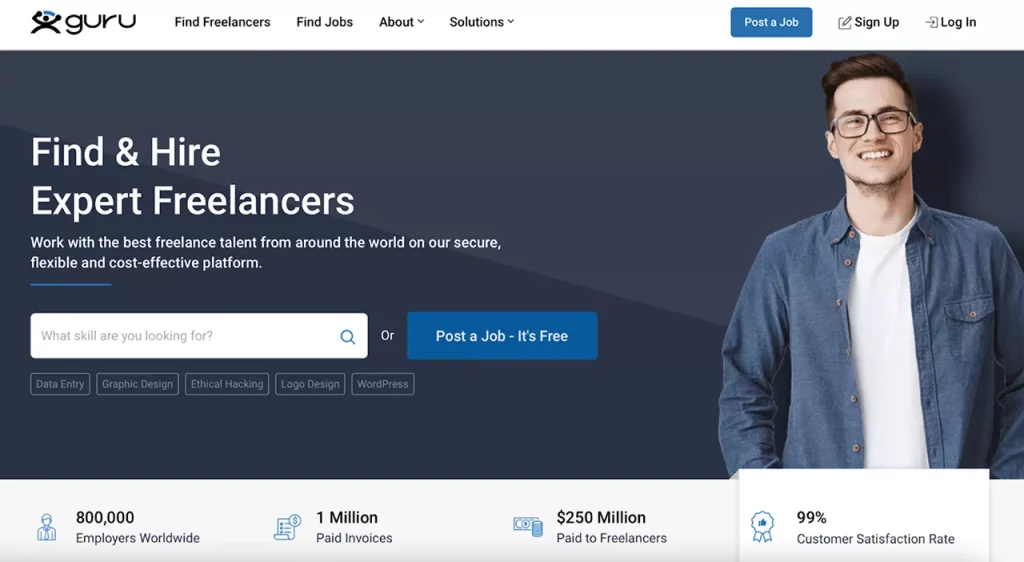
Guru
It is a web app that connects freelancers with businesses looking for a wide array of services. It simplifies the hiring process and includes features for project management and payments.
23. Crime alert web application development ideas
These apps provide a platform for users to share information, stay vigilant, and collectively work towards creating safer neighborhoods and cities.
Community safety network: Build a web app that connects neighbors, local law enforcement, and businesses to share real-time crime alerts and safety tips. Users can report incidents of suspicious activities and even participate in crime prevention campaigns.
AI-driven crime prediction: Develop a predictive policing app that utilizes AI and historical crime data to identify areas at higher risk of criminal activities. Law enforcement agencies can use this information for resource allocation.
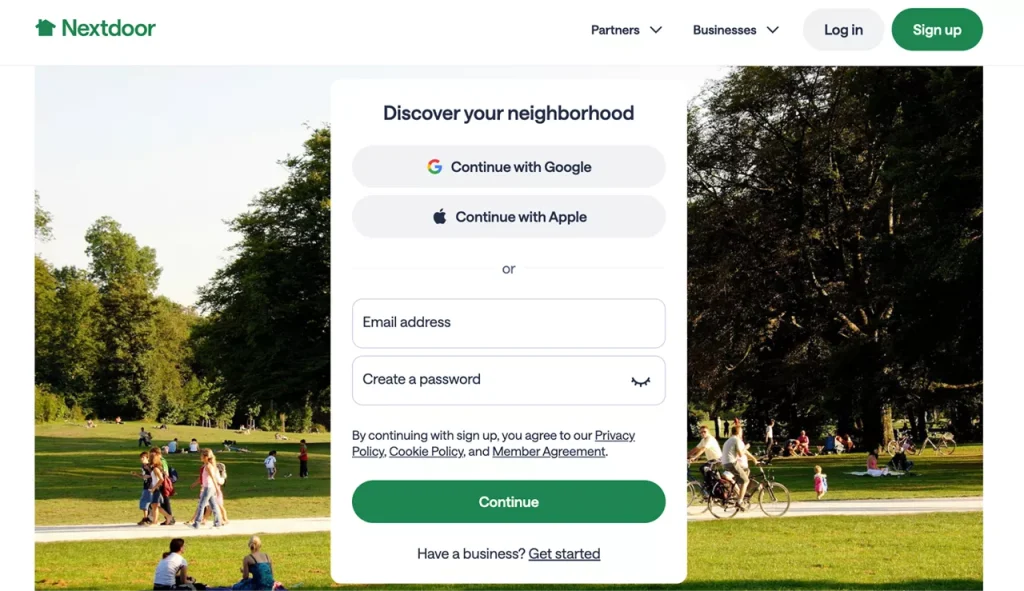
Nextdoor
It is a social networking platform designed for neighborhoods. Nextdoor allows users to connect with neighbors, share local news and alerts, and report suspicious activities.
24. Online LGBTQ+ dating web apps
Modern ideas for web applications in an age of inclusivity and acceptance include online dating web apps that have evolved to cater to diverse communities. LGBTQ+ dating apps are on the rise, providing safe and welcoming spaces for individuals to find meaningful connections.
Inclusive matching algorithms: A cutting-edge LGBTQ+ dating app can incorporate advanced matching algorithms that consider users’ gender identities, sexual orientations, and relationship preferences, ensuring more compatible matches.
Community-driven events: These apps can create virtual spaces for community-driven events, including LGBTQ+ meetups, support groups, and social gatherings, helping users connect beyond romantic interests.
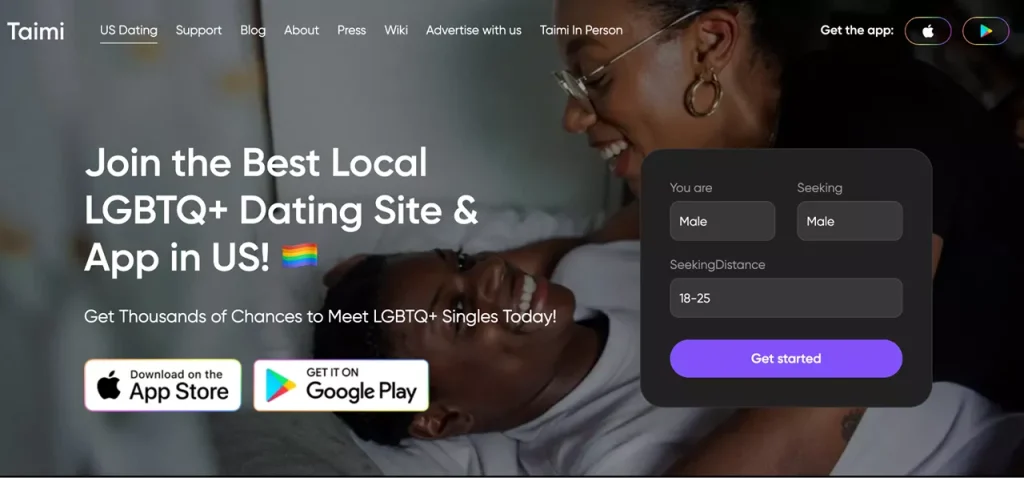
Taimi
It is an LGBTQ+ dating and social networking app with features for dating, social interactions, and content sharing. Taimi aims to connect and empower the LGBTQ+ community through a safe and inclusive platform.
25. AR travel guide web apps
Augmented reality (AR) is set to take travel experiences to new heights. Web apps in this domain will serve as digital tour guides, enriching our exploration of the world with informative and immersive overlays.
AR cultural discovery: Create an AR travel guide that enhances cultural experiences for tourists. Users can point their smartphones at historical sites, artifacts, or landmarks, and the app provides informative and interactive AR content.
Language translation AR: Develop a real-time AR travel app that translates foreign languages using the smartphone camera. This assists travelers in navigating and communicating in unfamiliar locations.
Wintor
A web-based AR platform where users can create and manage interactive travel guides and AR tours directly in the browser. Visitors can access immersive AR content – routes, 3D models, photos, and videos via a link or QR code. This functionality makes Wintor a full-featured web app for cultural and tourist experiences.
Guide to building web apps by Intobi team
Need help with implementing a web application idea? Intobi is your reliable web development company that you can count on for assistance with all technical questions and requests.
At Intobi, we specialize in enterprise software development, web development, mobile development, SaaS development, MVP development for startups, and more. Also, delivering web app startup ideas is our forte, brimming with creativity and potential.
Now, our specialists want to illustrate the step-by-step process of implementing easy web app ideas 2026 into reality.
Specification
Our team works closely with clients to collect requirements, understand the target audience, and identify the core features and functionalities needed. This first phase is the project’s draft, summarizing goals and expectations.
Wireframes and UI/UX design
With our robust UI/UX design services, our experts develop wireframes and prototypes to visualize the app’s layout and user interface. These visual representations provide a substantial understanding of the app’s structure and how users will interact with it. The design focuses on user experience, providing an intuitive and appealing interface.
Development
Our expert development team chooses the project’s technology stack and architecture. Moreover, Intobi’s developers follow best practices and coding standards to create a robust and scalable web app. We use agile methodologies, boosting iterative development, regular client feedback, and adaptable project management.
It is vital to rigorously test the web app to identify and fix different bugs or usability issues. Our QA engineers execute functional, usability, performance, and security testing to guarantee the app meets high-quality standards. This phase ensures that the application functions seamlessly and is ready for launch.
Deployment and support
Once the application has passed all quality checks and the client is satisfied, we will deploy. Then, we provide ongoing support and maintenance to address issues, implement updates, and scale the application as necessary.
We understand that every project is unique, and our tailored process ensures that the final web app aligns perfectly with the client’s business goals and vision.
Discover a variety of simple web app ideas to make money
Web application development in 2026 promises to be a thrilling and vibrant landscape. The most successful full-stack web application ideas will meet the growing demands and anticipate and adapt to future changes. Adopting emerging technologies, such as AI, blockchain, and augmented reality, can unlock new horizons and create exceptional user value.
Remember that the key to success lies in the web app idea and the ability to implement it effectively. So, collaborate, iterate, and stay attuned to user feedback to refine and improve your creation. The road may be challenging, but the right software development partner will handle all the complex steps.
Now, you are ready to create your web application. There are many ways to get a profitable startup idea, but only a few will make it onto the charts in 2026. Therefore, we hope this list of web application ideas will help you make the right choice!
If you’re ready to start your own web app, you can always contact us. We will help you choose the right type of web application for your business idea and, together, decide on the framework and design.
FAQ
What are trending software web apps?
There are many current popular ideas regarding top web app trends, including metaverse platforms for virtual worlds, AI (artificial intelligence) personal assistants, eco-living apps for sustainability, blockchain marketplaces for digital assets, and more.
How do you come up with web app ideas?
To generate top ideas for web apps, you must identify a problem or unmet need, research the market and user feedback, and brainstorm and prototype. Then, align with your passion or expertise and focus on user value and uniqueness.
What are some good web app ideas?
Personalized health and fitness planners, remote team collaboration platforms, AI-generated content creators, online marketplaces for unique handmade products, event planning and ticketing solutions, and more.
A poorly configured ERP forces teams to patch gaps with spreadsheets and manual checks. This guide explains what ERP migration is and how it differs from ERP system migration, the main types of migration projects, and how to plan a strategy for success. It also covers data migration best practices, a project plan from design to go-live, and how to minimize downtime when moving to the cloud.
Make a summary of this article with AI:
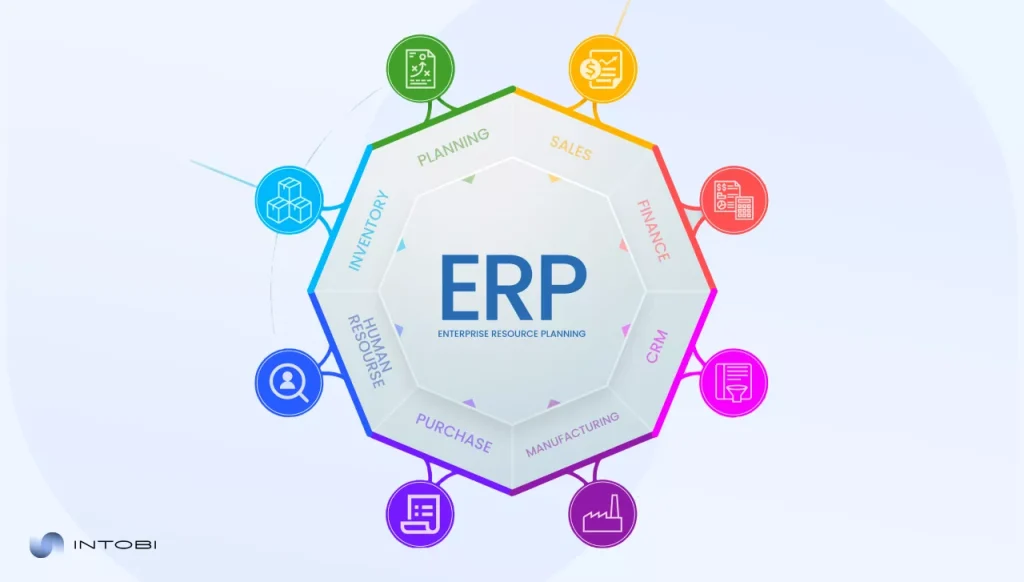
An ERP system is a critical element of management, automation, and reporting. This software allows you to track how orders are converted into revenue and operations become financially sound.
A poorly configured ERP forces you to compensate for shortcomings with spreadsheets, manual checks, and third-party systems, which increase the risks of inaccuracy, as well as increase the time spent working with data due to the need for specialist intervention.
A well-configured system reduces costs, provides transparent reporting, integrates different departments of your business into a single system, and allows you to make effective decisions based on well-structured data. All these functions are essential for effective business management and its further scaling.
So to migrate systems without disrupting your business, you need to conduct an ERP migration with business-scale considerations, rehearsed transition steps between stages, mandatory approvals, and clear go-or-nothing sign-offs. This ensures that critical processes continue to run throughout the entire implementation period, regardless of the circumstances.
What is ERP migration and why it matters
ERP migration is generally considered to be the movement of processes, roles, and data from an old system to a new one. When the migration is carried out according to plan and with high-quality execution, your customers do not notice any changes or failures, and employees are able to use the updated system from the first day of its implementation.
Using an outdated ERP system threatens you with decision delays due to data inconsistencies, manual checks, the need to correct errors, etc. When these problems accumulate to a critical maximum and the cost of their compensation begins to exceed the cost of modernization, an ERP system upgrade becomes inevitable.
Defining ERP migration vs. ERP system migration
Different teams often perceive these two terms as the same, but in reality, separating them will avoid confusion and misunderstandings about the scope of work and tasks.
ERP migration is a broad and comprehensive program that includes business process alignment, data preparation, integration redesign, testing, and direct transition to the new system. At the same time, ERP system migration has a narrower and more technical definition.
Such migration focuses on the ERP application itself and its operating environment, which includes infrastructure, hosting models, security roles, batch schedules, performance, monitoring, and operational runbooks. ERP system migration is usually accompanied by minimal changes on paper, but still requires comprehensive validation, since even small changes can affect critical flows.
Common business triggers for migration ERP projects
The need for ERP migration usually arises when the system becomes an obstacle to efficiency, rather than a tool that should help the business. Triggers that indicate the need for migration include the following:
Mergers or the emergence of new legal entities within the company structure, which require additional reporting and control;
System hangs and performance slowdowns during peak periods, which delay fulfillment and month-end close;
Complex integration infrastructure, which makes even small changes risky;
Gaps in reporting, which lead to limited forecasting capabilities and slowed decision-making.
Since these triggers are operational, there is a need to consolidate decisions made at the level of different departments.
Types of ERP migration projects
It is necessary to understand that not every migration ERP initiative is a positive one. Before implementing changes, you need to identify what exactly needs to be improved and align the scale of the changes with the capabilities of your business to withstand them.
For some companies, this means a targeted conversion, while for others it is a much broader and more complex transformation. For example, ERP cloud migration may be part of your roadmap, but first and foremost, all improvements and changes should be focused on your capabilities, and not simply because others are doing it.
ERP data migration
ERP migration strategy projects do not necessarily have to radically change the business; some companies prefer to focus exclusively on data that is critical to the operation of the system. Such data usually includes open items, limited reporting history, and master data.
Interesting
The key to a successful limited migration is to identify the business-critical domains with clear ownership and audit rules before taking any further steps in the process.
ERP system migration (on-premise to new platform)
When changing platforms, the scope of work often goes beyond simple system configuration; the transition process is accompanied by reworking security protocols and systems, coordinating batch and background tasks, and developing disaster recovery algorithms. Although such changes are imperceptible to users, it is important to test all elements, such as rounding, schedule dependencies, integration timing, etc.
ERP cloud migration and modern architectures
With ERP cloud migration, you can reduce infrastructure costs and increase your scalability, but it has its drawbacks.
First of all, you should understand that with the transition to a cloud ERP system, your operating model will change, which means you will have to change your approaches to release planning and testing. This is because cloud ERP services are updated regularly, so you will have to adapt to this, and it is equally important that you do not pile up complex settings and improvements to your system, as this can cause failures during the update.
Migrating to cloud based ERP solution: What changes
If your company is planning a cloud ERP migration, you should be prepared for the need to constantly test your system. To partially automate this process, develop standardized regression test protocols and document their results.
If you need help choosing the type of migration that will be most effective for you, contact the Intobi team. Our specialists will be able to help you, based on objective operational capabilities, integration complexity, and business readiness for migration.
ERP migration strategy: How to plan for success
It is control and continuous testing that ensure the effectiveness of your ERP migration strategy. For a productive migration, you must define data quality thresholds, integration and security levels, and one of the keys to success is a clearly defined plan and scope of work, which should be prepared in advance.
Aligning ERP migration strategy with business goals
At the beginning of the design, you need to make the following decisions to ensure efficiency:
Choose between a large-scale and phased migration, based on the complexity of the integration and staffing.
Considering the risks of conversion and audit needs, determine how much report history you plan to transfer.
Determine in advance the necessary integrations with other systems to ensure the continuous operation of critical areas.
Set data quality thresholds and calculate the risks that may arise if you do not meet them.
Agree on the principles of system configuration with all relevant departments to establish common standards and avoid disagreements.
By going through this checklist, your business will significantly increase the chances of an effective migration and will most likely avoid identifying problems at later stages.
Building an ERP data migration strategy
An ERP data migration strategy should define data domains, mapping rules, quality checkpoints, and sign-off ownership. Start with a target data model and business-owned glossary, then create transformation rules, including how you will handle duplicates, legacy codes, and fields that were used inconsistently in the legacy system.
Most importantly, ERP/CRM data migration is about value and accountability, and it is through these factors that the transition becomes manageable, efficient, and seamless.
By engaging our team, you can get the best results from strategy development and testing to the final launch and support of the ERP environment.
What makes ERP data migration complex
In an ERP system, all data is closely related and influences each other. For example, a supplier record is related to payment terms, withholding rules, bank details, and approval control. Another example is a product, it is important to understand that it is not just a SKU (Stock Keeping Unit), but also planning parameters, costing, and inventory management logic. Since your ERP environment is multi-object, the complexity of the relationships often increases even more.
To reduce complexity or simplify understanding, it is necessary to clearly define the order of dependencies and ensure that it is followed in practice.
Common data quality and mapping issues
In this list, you can see typical defects that can occur during migration. Knowing them will help you avoid the most basic errors:
Duplicate data, due to such a defect, the balance sheet data and reporting will not match.
Absence of mandatory fields, such an error causes a blocking of further data processing.
Inactive records that are still displayed in open transactions;
Conflicting codes and classifications prevent data synchronization.
It is also important for you to clearly distribute the areas of responsibility and authority between departments, because without regulations, different departments can use the same fields, which will cause data confusion and the inability to process them.
Security, compliance, and governance considerations
During the ERP migration process, you will have to use temporary data storage, which may put confidential information at risk of leakage. Therefore, you need to determine in advance where you can store the data, clearly define the circle of people who will have access to it and how this data will be disposed of after the transition.
Also, after the migration, stabilization processes often occur, you need to clearly determine who can make changes to the databases. Even minor corrections that have not been agreed upon can cause conflicts within the database and disrupt the operation of the entire ERP environment.
ERP data migration best practices
The most robust applications view conversion as an iterative process. Each subsequent test should reduce manual intervention, shorten cycle time, and improve the quality of the agreement. To achieve a quality result, clear instructions, controlled environments, and a consistent and repeatable validation procedure are required.
Data assessment, cleansing, and validation
One of the first steps to take before migrating is to profile your environment and analyze the key aspects of its usage. After that, you can understand which areas are most needed and clean up those that are not critical.
To achieve a good result, after all the cleaning manipulations, you need to conduct technical checks, which will allow you to understand whether you made any mistakes when filtering out data and, if the tests pass successfully, will allow you to move on to the next stage of migration.
Phased vs. big-bang migration approaches
A phased migration approach will allow you to address all potential issues one at a time, but will increase the amount of time that two ERP environments will exist. This option is suitable for businesses that do not want to significantly increase their concurrent workload and have enough time to migrate.
A “big bang” approach will allow you to shorten the transition period, but will concentrate all issues into one time frame, which can significantly increase the workload on the team.
Testing, reconciliation, and user acceptance
Testing must reflect real business execution, not isolated screens. Cover order-to-cash and procure-to-pay, plus inventory movements and close routines if they are critical. User acceptance should be performed by people who do the work daily, using representative data and time-boxed scripts. Each cycle should end with reconciliations that prove financial and operational integrity.
ERP migration project plan: From design to go-live
An effective ERP migration project plan defines phases, owners, required artifacts, and evidence-based gates. It should make it easy to answer, at any time: what is done, what is next, and what proof exists that you are ready to proceed.
Key phases of an ERP migration project plan
Most programs follow a consistent structure: discovery and fit-gap, target design, build and configuration, iterative data loads, end-to-end testing, cutover rehearsals, go-live, and stabilization. The difference between smooth and chaotic delivery is whether each phase has explicit entry and exit criteria, and whether those criteria are enforced.
Roles, responsibilities, and stakeholder alignment
ERP change touches many teams, so accountability must be explicit. Business process owners approve process design and testing outcomes. Data owners approve cleansing rules and mapping exceptions. IT owns environments, access, and integration operations.
Finance validates reconciliations and controls. Security confirms role design and access governance. A steering group must be empowered to resolve conflicts quickly, or decisions accumulate until they become a cutover risk.
Timeline, dependencies, and risk management
Dependencies are predictable: master data before transactions, integrations before performance tests, security roles before training access. Track risk with a living register that includes scoring, mitigation actions, and owners. Define “environment readiness” in clear criteria, such as stable refresh procedures, monitoring enabled, integration endpoints reachable, and access provisioning tested end-to-end.
During stabilization, publish a short daily KPI pack and use it to prioritize fixes by business impact, not by noise level.
Post-migration validation and optimization
The first weeks are about stability. Track incidents, reconcile daily until patterns stabilize, and keep change control tight so fixes do not introduce new defects. Schedule a structured review after the first close to convert lessons into durable improvements: role updates, report tuning, interface monitoring, and refined operating routines.
ERP cloud migration: Minimizing downtime and business impact
Cloud moves can be smooth, but only if integrations and operating routines are built for reliability. The platform may be resilient, yet the business can still be disrupted by fragile interfaces, unclear ownership, or insufficient monitoring.
Managing integrations during ERP cloud migration
Treat each integration as a product with an owner, monitoring, and escalation. Confirm volume and latency under realistic load. Design error handling so failures are visible and recoverable, not silent and compounding. The best programs define interface health checks as part of rehearsals, not as a post-go-live afterthought.
Change management and user adoption
User confidence comes from role-based training and scenario-driven practice. Identify super-users early, involve them in testing, and incorporate their feedback into workflows and job aids. This reduces support load and increases adoption, especially in high-volume operational teams.
Performance monitoring after go-live
Monitor response times, batch runtimes, and integration error rates. Review performance after the first close and first peak operational cycle, then translate findings into tuning actions and process adjustments. Stabilization success is measured not by a quiet ticket queue, but by predictable operations under real load.
Continuous improvement after migration ERP projects
Organizations that treat migration ERP as a capability, not a one-off event, build durable practices: release readiness, regression testing discipline, data governance, and structured backlog prioritization. Over time, those routines reduce risk for upgrades and future rollouts because the organization has learned how to change safely.
Final thoughts: Making ERP migration a business advantage
A successful ERP migration program is built on early decisions, rehearsed cutover mechanics, and non-negotiable reconciliations. When ownership is clear and readiness is proven with evidence, the business keeps running while the platform modernizes.
If you need structured support from assessment through stabilization, Intobi can help deliver a transition that minimizes disruption and strengthens long-term agility.
A perfect ERP migration process should include process alignment, data transformation, testing, and further system optimization. Your goal should be continuous operation of the environment, critical business processes should function continuously, even during the transition to a new system.
How much historical data should we migrate?
Migrate business-critical data first, meet audit needs, and then archive the rest. Most teams migrate master data and open items, along with limited reporting history. The depth of history depends on audit rules, reporting structure, and acceptable conversion complexity.
Who should sign go/no-go at cutover?
Require approval from the business sponsor, CFO, and CIO for transition projects, as well as documented input from security and operations. Link approvals to required approvals and rapid reviews of critical processes, not just technical status.
Building an iOS app requires a clear understanding of the budget before you start. This guide explains the average cost of iOS app development, breaks it down by development phase, app type, region, and team structure, and covers the major factors that influence the final price. It also compares pricing models and shares ways to plan your iPhone app budget realistically.
Make a summary of this article with AI:
If you have intentions to develop your app on Apple’s platform, it is crucial to understand financial challenges along the way. Being an entrepreneur in this field means you have to analyze and understand the entire iOS ecosystem.
There is a difference between having a good idea and implementing it on a limited budget. Small applications with simple functionality costs from $20000 to $50000, while large-scale projects can cost millions of dollars. That is why, to avoid financial losses, the project budget must be well-planned and balanced, you must separate must-have and optional spends before your app enters the development stage.
What is the average iOS app development cost?
Organizations often start with one question: how much does it cost to develop an iOS app? When teams ask about the average cost to develop an iPhone app, the most accurate answer starts with defining scope, integrations, and quality targets before any design or coding begins. To understand the cost of developing iOS apps, it is important to realize that each project is unique and depends on many factors.
The range of investment in mobile app development varies significantly: from modest projects requiring a few thousand dollars to complex enterprise solutions costing millions. Most organizations find that the cost of iOS app development falls somewhere within a wide range, depending on the complexity, features, and functionality required.
The actual cost you will face when building an iOS app depends largely on the size and goals of your project. The type of application can vary significantly, from a multi-functional platform to a server infrastructure application.
It is important to remember that initial cost estimates may change as additional requirements arise during the development process. Therefore, it is worth considering possible additional costs when planning your budget.
Understanding the cost range
Initially, medium-complexity apps typically incorporate new features such as user authentication, payment processing, database management, and third-party integration. At this stage, the cost of iOS app development increases not only because of new features, but also because architecture, testing depth, and integration work expand.
Consequently, development time increases; more elaborate architectural planning is required; and more thorough assessments and verification tests are necessary. The cost of building an iOS app also increases, sometimes extending delivery times to around 4–8 months.
Enterprise-level apps require a high degree of complexity. It is the latter that causes the high cost of iOS development, due to massive demands for scalability, rigorous security and compliance rules (e.g., HIPAA for healthcare and PCI DSS for finance), and cross-platform synchronization. The second reason for expensive analytics is the software development company itself.
The post-launch support budget includes costs such as maintenance, updates, feature extensions, and infrastructure scaling. It is expected to account for 15-25% of the initial budget annually and is aligned with the product strategy, for example, a premium app or an MVP designed for rapid market validation. There are also explicit plans in place to cover each element.
How much does it cost to develop an iOS app?
As the final budget depends on the scope of work, technical requirements, quality standards and employee salaries, there is no fixed price for the project.
Interesting
The iPhone app developers cost is determined by three main factors: the team’s hourly rates, execution speed, and volume of work.
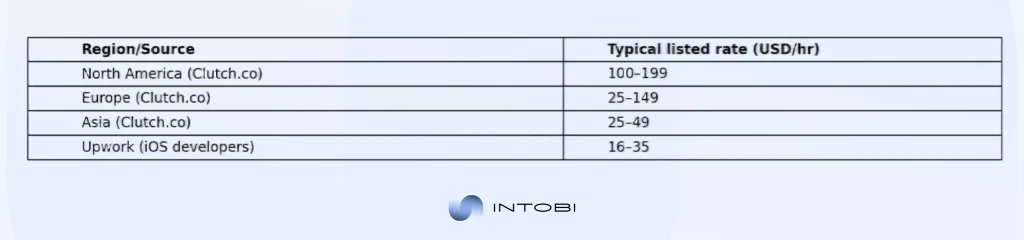
App development companies usually calculate costs by multiplying hourly rates by the estimated time spent on production phases, including planning, design, development, testing, and deployment. Hourly rates vary considerably depending on the geographic location of the development team.
However, North American teams are typically more expensive: on Clutch.co, many US app development agencies list rates in the $100–$199/hr band. European agencies show a wider spread on Clutch is commonly $25–$149/hr, depending on country and positioning. For Asia, listings commonly sit around $25–$49/hr, while on Upwork iOS developer rates are typically $16–$35/hr.
Want a realistic estimate for your specific app idea? Share your requirements and we’ll help you map scope to budget.
Breaking down development phases
The iPhone app development cost during initial planning and design phases typically accounts for significant portions of your total budget.
This stage involves defining requirements, creating wireframes, and establishing technical specifications. Skipping or minimizing this phase often leads to costly revisions later, making the early investment worthwhile. Design thinking and requirements gathering contribute to better technical decisions.
The development phase itself constitutes the largest portion of your iPhone app development cost. During this stage, engineers write code, integrate systems, and build core functionality. The duration and intensity of this phase vary considerably based on your application’s complexity and the skill level of your development team. Quality development practices prevent problems from accumulating throughout the lifecycle.
For businesses that need high performance, platform-specific features, and a polished iOS experience, native app development can help build reliable applications tailored to Apple’s ecosystem.
Major factors that influence iPhone app development cost
To understand how much does it cost to create an app for iPhone, it is important to understand that the development process is complex and depends on many key factors. Each stage of development is connected to the other, building complex relationships that require professional assessment to determine the exact cost of the project.
Application complexity and features
One of the most important factors that determine the budget required to calculate the cost of developing an iOS app is the complexity and number of features required for the app.
Apps with simple functionality require significantly fewer development hours, and therefore cost, while a project that includes the use of real-time features, artificial intelligence, and complex user interaction requires a significantly larger budget.
Complex apps require specialized expertise and more thorough testing, which causes an increase in the overall cost of the project and its components.
Cost breakdown by iOS app type
Different application categories carry distinct cost profiles; as a result, the cost to develop iOS app solutions can differ sharply even when two products look similar on the surface. Understanding these distinctions helps you contextualize your project within the broader landscape of the average cost to develop an iPhone app. Each category brings unique technical and business requirements.
Consumer applications
Consumer apps are typically priced in the low to mid-range, as early versions of the app often rely on standard UI templates and a simplified structure. A basic utility or lifestyle app typically costs between $20,000 and $60,000, but if you add social features, personalized feeds, or cross-device syncing, the budget can reach $60,000 to $150,000, due to the complexity of the app’s structure and the need for testing.
E-commerce applications The cost of e-commerce applications is higher compared to consumer applications, this is due to the fact that such applications require an increase in the technical and security level due to the payment processing and the flow of personal information that the application processes.
A standard application that has the functionality of a dynamic catalog, basic customer accounts, a support hotline and an administration process costs about $ 60,000 – $ 150,000.
If you want to expand the application infrastructure with advanced search, filtering, multi-currency or deep integration with ERP or CRM, the required budget increases to $ 150,000 – $ 300,000.
Content and media applications
Standard media products that display content have a fairly wide price range. A standard application with CMS integration, user profiles and the ability to use the application online costs about $ 50,000 to $ 120,000.
The price of developing such products usually increases due to the need for high bandwidth, built-in additional processing of visual content and CDN costs. On average, a product with such functionality ranges from $ 150,000 to $ 300,000.
The price further increases when adding recommendation algorithms, viewing history, content downloading, DRM or live broadcast functionality. So in the case of developing such an application, you need to pay extra attention to planning built-in features.
iOS app development pricing by region
The how much does it cost to make an iOS app question produces vastly different answers depending on your team’s geographic location, which is why the Apple app development cost can shift dramatically even for similar scopes. iOS app development price rates vary significantly across different regions, reflecting local economic conditions, labor costs, and market competition. Making informed decisions about geographic selection requires understanding these variations.
Teams in North America and Western Europe command premium rates compared to developers in Eastern Europe, Asia, and Latin America. The hourly rates charged by experienced developers differ significantly across regions.
This geographic disparity substantially impacts how much it costs to make an iOS app for globally distributed companies choosing between onshore, nearshore, and offshore partnerships. Cost considerations must balance against quality expectations.
Evaluating regional advantages
You should not form a team solely based on the cost of creating an application, as such a decision can significantly increase the risks to product quality, team productivity, and communication quality.
It is worth noting that regions with a lower average rate can also provide high-quality development, but there may be language barriers and inconveniences due to the difference in time zones, which will complicate the project implementation process.
It means strategic planning of the processes in the company should not be limited to just estimates but rather consider the efficiency the team can deliver. Mid-range options inclusive of nearshore partnerships usually create a balance between cost efficiency and communication advantages.
It grants access to experienced teams at reasonable rates while maintaining time zone overlaps within manageable range. Most organizations realized that nearshore partnerships provide the best value against purely onshore or offshore approaches.
iOS app development cost based on team structure
Your choice of team structure significantly shapes iOS app cost considerations. The company’s structure decision is a crucial factor for cost considerations for iOS app development. Knowing the flexibility, benefits, and types of the structure for the ios app development team will help you make a well-informed decision, depending on the needs of your project.
The organizational structure of teams is often classified under the following:
The advantage offered by your internal team, who have opted for the in-house development option, is reliability and control of all processes, but this approach is also accompanied by a heavy price tag for building infrastructure and managing contracts for internal personnel.
Freelance developers provide you with greater flexibility in decision-making and are cost-effective but demand meticulous attention while tracking their work output.
Smaller development agencies are normally caught between experience, personalization, and efficiency, although it is ensured that development costs are maintained within acceptable levels.
Large businesses tend to deal with huge projects. This team enables you to build complex and complex apps, but the cost for the services is maintained in the premium segment.
The hybrid models, being a mix of teams, are very effective in optimizing the cost and skills during the development phase, but also creating hurdles during the communication and management process.
In-house development teams
Building an in-house team requires substantial upfront investment in hiring, onboarding, infrastructure, and ongoing benefits. However, this approach provides maximum control over your project and facilitates seamless communication. The cost of the iOS app with in-house teams extends far beyond direct development expenses to encompass office space, equipment, and personnel costs.
The iOS app cost advantages of in-house teams emerge primarily in long-term scenarios involving multiple projects or ongoing product development. Organizations with sustained development needs benefit from the institutional knowledge and continuity that in-house teams provide. Building domain expertise within your organization creates competitive advantages over time.
Freelance developers and small agencies
Hiring individual freelancers or small agencies provides flexibility and typically a lower overall iOS app cost compared to in-house teams. This model works well for smaller projects with clearly defined scopes. However, freelancers may juggle multiple clients simultaneously, potentially affecting timeline commitments. Building productive relationships with reliable freelancers creates valuable long-term partnerships.
The iOS app with freelance arrangements requires careful vendor selection and detailed contractual specifications. Project managers must invest significant effort in overseeing work quality and managing communication across distributed teams. Clear documentation and milestone definitions help ensure satisfactory outcomes.
Large development agencies
Established development agencies bring extensive experience, proven processes, and full-spectrum services. These organizations typically have higher daily rates compared to freelancers but provide professional project management, quality assurance, and dedicated team structures.
The iOS app costs with agencies include these overhead elements but offer greater predictability and professionalism. Agency credentials and case studies provide reassurance about quality expectations.
Large agencies often bring valuable insights from previous similar projects, helping you avoid common pitfalls and optimize your development approach. This expertise contributes to better outcomes even if upfront costs appear higher. Access to specialized expertise in security and compliance adds value beyond basic services.
Not sure whether you need freelancers, a small agency, or a full-service team? Get a quick consult to choose the best-fit team model for your timeline and budget.
How much does it cost to build an iOS app with different pricing models?
Project estimation and payment structures significantly influence the cost to create an app for iPhone, because they determine how risk and scope changes are priced. Different pricing models distribute costs and risks in varying ways, each with implications for your project planning. Understanding these models enables alignment with your risk tolerance.
Fixed-price engagements
The fixed-price development model has the advantage over the hourly model of not having to set aside a contingency budget for development, but it also requires you to think through each stage of the project in much more detail, and it also limits flexibility in the application development process.
Fixed-price development models work well for projects with well-defined and stable requirements, but changes in the process can be limited or incur additional costs. Also, developers working under the fixed-price model usually build buffers for unforeseen costs into the project cost, which can lead to higher initial costs compared to developers working under the hourly model.
Therefore, careful formation of the contract, as well as the flexibility of the processes built into it, is a key component that will help avoid misunderstandings and delays.
Time-and-materials arrangements
Time-and-materials pricing charges are based on actual hours invested plus expenses. This model provides flexibility as requirements evolve and allows projects to expand or contract based on emerging needs. The how much does it cost to make an iPhone app question remains somewhat uncertain until development concludes. Organizations embarking on innovative projects often prefer time-and-materials arrangements.
An hourly pricing approach works well for innovation and test projects, as requirements can often be vague and fall outside of a previously planned framework. However, this approach requires careful cost and efficiency monitoring, as well as clear communication, to manage costs. Regular budget reviews will also help your company have a clear picture of the status of costs and avoid financial surprises.
Retainer models
Retainer relationships involve paying recurring fees for ongoing development and maintenance services. This model suits organizations requiring continuous enhancement, bug fixes, and feature additions. The cost of making an iPhone app becomes predictable and budgeted as a recurring expense. Retainer arrangements create sustainable business relationships for ongoing product evolution.
Retainer arrangements often provide priority access to development resources and faster response times for urgent issues. This model creates stable, long-term relationships beneficial for both parties. Predictable recurring costs enable better financial forecasting.
Hidden costs of iOS app development you should know
Besides the obvious high development costs, additional incremental costs can accumulate while an application is active, which may take organizations by surprise. Therefore, detailed financial planning must account for these additional costs to prevent budgetary issues.
The actual cost of developing any iPhone app will go beyond the development costs and involve the costs of launching and operating the app successfully.
Apple Developer Program membership incurs an annual fee of $99 for individual accounts or $299 for enterprise licenses. This membership enables submission of applications to the App Store, access to beta iOS editions, development tools, and technical support. This cost remains largely consistent throughout the application’s lifespan.
Testing and quality assurance
Quality assurance represents a significant component of iPhone app development price that many organizations underestimate. Comprehensive testing across different device models, iOS versions, network conditions, and usage scenarios requires dedicated resources and specialized expertise.
The iPhone app development price for thorough quality assurance typically represents substantial percentages of total development costs. Inadequate testing often results in expensive post-launch fixes.
Beta testing with real users, user acceptance testing, and performance optimization testing all contribute to the iPhone app development price. Security testing and vulnerability assessments become increasingly critical as applications handle sensitive data. Automated testing infrastructure prevents expensive bugs. Accessibility testing ensures compliance with Apple’s standards.
Infrastructure and backend systems
Applications requiring server infrastructure, databases, and cloud services incur ongoing operational costs. The iPhone app development price extends beyond one-time development to include monthly hosting, storage, bandwidth, and maintenance expenses. Scalable infrastructure that grows with your user base involves careful capacity planning. Cloud platform selections impact both initial setup and ongoing expenses.
Application programming interfaces, third-party service integrations, and backend optimization add to the iPhone app development price. Real-time synchronization, push notifications, and cloud storage capabilities require robust backend infrastructure. Database administration and performance optimization require ongoing investment. API rate limits and third-party subscriptions accumulate over time.
Post-launch support and maintenance
The application deployment marks the beginning rather than the conclusion of expenses. Updates addressing bugs, compatibility with new iOS versions, and feature enhancements constitute ongoing iPhone app development price commitments. Supporting users and maintaining infrastructure requires continuous investment. iOS major version releases require testing and updates.
App store submission and compliance with Apple’s requirements add recurring costs. Marketing and user acquisition extend beyond technical development expenses. Customer support systems and analytics implementation require ongoing operational investment.
Cost to develop an iOS app: Timeline and budget planning
Timeline directly influences iOS app development costs, because tighter deadlines typically require more people, parallel workstreams, and higher delivery rates. Compressed schedules require additional resources and often result in premium pricing from development teams managing tight deadlines. Realistic timelines based on project scope enable cost-effective development execution.
Effective budget planning begins with establishing realistic timelines based on project complexity. Phased releases and minimum viable product approaches reduce initial cost while allowing revenue generation and user feedback during development of additional features. This strategy distributes costs across time and provides opportunities to validate assumptions before completing full feature sets.
Project estimation techniques
We recommend using more than one method to estimate iOS development cost. You can rely on prior experience and benchmark the current project by comparing its scope to similar applications that have already been delivered.
At the same time, it is worth breaking the overall project into smaller components and estimating each part separately. Combining experience-based benchmarking with detailed, bottom-up planning helps you allocate the available budget as accurately as possible and use it effectively.
Reserves for unexpected challenges and learning curves should be incorporated into timelines. These buffers prevent scope creep from immediately derailing schedules and budgets. Experienced teams typically include contingency reserves accounting for the uncertainty inherent in software development estimation.
Ready to optimize your iOS app budget without cutting corners? Let’s review your scope and identify the fastest cost-savers before development starts.
How to reduce iOS app development cost without sacrificing quality
Strategic decisions during planning and development phases can substantially reduce the cost of creating an iOS app while maintaining quality standards. Cost optimization doesn’t require sacrificing essential quality attributes.
Cost optimization strategies include:
Prioritizing features ruthlessly to include only those delivering maximum user value in initial releases.
Leveraging existing frameworks, libraries, and components rather than building everything from scratch.
Selecting development methodologies that emphasize iterative delivery and early user feedback.
Automating testing procedures and implementing continuous integration to catch issues early.
Choosing technology stacks that balance performance with developer productivity and team expertise.
For iOS products that require strong performance and platform-specific functionality, Swift development can help teams build reliable applications while staying aligned with Apple’s ecosystem.
Planning for scalability from the beginning rather than refactoring later to accommodate growth.
Careful vendor selection and clear communication about budget constraints help identify cost-effective approaches without compromising quality attributes. Development teams experienced in cost-conscious development understand trade-offs between features, timeline, and budget. Transparent discussion of constraints enables creative problem-solving around cost optimization.
Real-world examples of iOS app development costs
Real projects become practical when you translate “app type” into specific cost drivers: integrations, data flows, real-time load, QA depth, and (when relevant) compliance.
A lean productivity app (notes, habit tracker, weather-style utility) stays budget-friendly if Version 1 is tightly scoped—core screens, basic onboarding, local storage or simple sync, push notifications, and lightweight analytics.
The most reliable option to reduce the cost of a product is to determine and prove the effectiveness of each of its functions, because it is the development of algorithms for the functioning of each of them that increases the cost of the project. High-quality products that offer ride-sharing, real-time communication, and delivery services become expensive due to the need to use synchronization, location, and other functions.
Healthcare apps often sit mid-to-high, not due to feature count but due to non-negotiable security and HIPAA-aligned controls (strong identity, role-based access, encryption, audit logs, security testing).
To reduce risk and cost, start with a narrow operating model and limited workflows (e.g., one city for marketplaces; appointments + secure messaging for healthcare), reuse reliable third-party services where appropriate, and plan compliance/security from day one rather than retrofitting it later.
Final breakdown: How much does it cost to build an iOS appin 2026?
As a conclusion on how much it costs to build an iOS application in 2026 and that is why the cost of iPhone app development should be evaluated as total cost of ownership, not just the build quote. The total cost reflects the combined impact of complexity, feature scope, design quality, team location, timeline constraints, and quality standards, so enterprises should budget not only for each development phase but also for supporting activities and ongoing operational costs.
Entry-level applications, with basic functionality, standard designs, and minimal backend requirements, cost anywhere from $20,000 to $50,000. These apps are meant for startups experimenting with market concepts, small businesses with modest needs, or specialized tools for niche audiences.
Development takes 8 to 14 weeks for small teams or one person. At the iOS app development stage, the app development price assumes standard iOS components, limited custom design, and straightforward implementation.
Comprehensive cost analysis
Medium-complexity iPhone applications, especially those with a custom design, solid features, robust infrastructure, and third-party integrations, usually cost between $60,000 and $150,000 to develop and take 3–6 months with a mid-sized team (including designers, iOS/front-end developers, back-end developers, QA testers, and project managers). This is indeed the ‘default’ tier for most contemporary products, as it combines expert UX with effective functionality.
However, once custom animations, real-time features, extensive backend logic, and more complicated integrations are added to the mix, budgets can rise to $150,000–$300,000, and timelines can extend to 6–9 months — especially if AI, AR, or other complex data processing features are introduced, as these demand significant engineering and testing efforts.
This is quite different from the enterprise version of an iOS app: Enterprise iOS apps can cost upwards of $300,000 and take between 9 and 18 months to develop due to the level of attention required for architecture, security, compliance, documentation, operational readiness, and building screens.
Ultimately, a reasonable budget allocation would be 10–15% for discovery, 15–20% for design, 50–60% for development, 10–15% for QA, and 5–10% for deployment, plus 15–25% of the original build cost per year for maintenance, iOS compatibility, infrastructure, and improvements. When comparing estimates, pay attention to the total cost of ownership (build + launch + operations + evolution). The lowest initial quote is usually the costliest when rework, delays, and quality fixes are considered.
Making your investment decision
The question is: how much does it cost to develop an app? To evaluate this, you’ll need an honest assessment of your project requirements, team capabilities, and realistic timelines. Gathering multiple estimates and comparing proposals helps identify optimal solutions. Comprehensive comparison enables informed vendor selection and better outcomes.
Quality outcomes depend significantly on team selection and clear communication channels. Investing time in finding experienced partners capable of delivering iOS app development costs within realistic budgets accelerates your path to a successful application launch. Long-term partnership success requires proper alignment around expectations and quality standards.
Financial investment, strategic planning, resource allocation, and sound decision-making are all essential for creating iOS applications. A realistic budget and a clear roadmap help teams control scope, reduce rework, and maintain quality from discovery through release.
In practice, iOS app development costs stay predictable when teams lock requirements early, budget for QA and infrastructure, and plan post-launch maintenance from day one.
Intobi has the infrastructure and experience to deliver ambitious projects end to end. By combining the company’s capabilities with your product idea, you can manage iOS app development effectively while maintaining quality standards and ensuring transparent communication about costs throughout the process.
Contact us if you need help with quality iOS app development.
FAQ
What is the main factor that has the biggest impact on the total cost of iOS app development?
The main cost drivers are project complexity, required features, platform integrations, and team location. Applications requiring complex backend systems are expected to require more resources. Being aware of these cost drivers enables you to manage those costs before development begins.
How do the costs of in-house teams compare with those of external agencies for iOS app development?
You own the project, which costs a lot of money up front, but you have full control, and it always remains the same. Third-party agencies provide the expertise and flexibility you need, but they operate with higher daily rates. Both options present unique benefits that can be applicable in different organizations.
Can you lower the cost of creating an app without cutting corners?
Prioritizing high-impact features, reuse proven components, and nail down requirements early is the key to effective budget management. Also you can use phased releases to spread spent over time and validate assumptions with user feedback. Smart trade-offs reduce costs as well without losing quality.
What should I budget for after my application launches?
Post-launch costs include maintenance, bug fixes, iOS compatibility updates, feature enhancements, user support, and marketing. These ongoing expenses often equal or exceed initial development costs across an application’s lifetime. Comprehensive planning should account for multi-year cost implications.
How does geographic location affect iPhone app developers' costs?
Development rates vary significantly by region, with North American and European teams commanding premium rates compared to Asian or Latin American developers. Lower cost doesn’t necessarily mean lower quality, but communication considerations impact total project costs. Strategic location selection should consider the total cost of ownership.
What's included in a realistic iOS app development cost estimate?
Comprehensive estimates should include design, development, quality assurance, project management, deployment, and initial support. Hidden costs like third-party service fees and infrastructure should be explicitly itemized. Detailed cost breakdowns enable better financial planning and resource allocation.
Free apps can be highly profitable when the monetization model is chosen right. This article explains the three common ways free apps make money – advertising, in-app purchases, and subscriptions – with real examples of successful apps. It also covers how to monetize a free app you build, best practices that keep users happy, and how free app monetization is changing in 2026 and beyond.
Make a summary of this article with AI:
Suppose you’re planning to build or have already built a fully functional website. It’s easy to use, and it has a strong identity. What could you, as a business owner, do to scale further? Make sure you’re always just a few taps away from your users.
Easily accessible products support higher engagement, therefore leading to bigger conversions. People usually don’t carry laptops around, and even if the platform has a responsive design for all devices, a tab in a browser may not be as convenient as an application.
Mobile development helps businesses to engage with their audiences anytime. But if most apps are free, how do they generate profit? If you’re planning to develop your own free mobile app, we’ll guide you through different monetization options and show which ones are most effective for different cases.
For startups that want to test monetization ideas before investing in a full-scale product, MVP development services can help validate core app features and revenue models faster.
3 Common ways to make money from free apps
Society has gradually transitioned to a mobile-first approach since phones have transformed from a means of communication into pocket-sized personal computers. On average, people spend more than four hours a day on their phones. And by usage, we primarily mean apps.
There are different types of applications: educational, entertainment, social, etc. They could be unique, standalone products or web platform extensions. Currently, we have millions of applications for all kinds of purposes, but paid apps make up less than ten percent of that number.
It’s logical to assume that apps that require upfront payment would generate more revenue. That’s not usually the case. Dozens of free alternatives can do just as well as their paid competitors, if not better.
Although thousands of dollars are spent on app development, it doesn’t seem like developers are going broke anytime soon. You’d be surprised how much we’re used to marketing strategies in our everyday lives.
What may appear as costless on the surface is actually a foundation for monetization. Below, we will describe the three most common methods of how free apps make money.
Advertising
Many free apps generate revenue through advertising integration, but we are interested in how exactly this happens. To place an ad, developers turn to mobile advertising platforms. They act as intermediaries between advertisers and the platform, helping both achieve their goals in exchange for a percentage of the profit. Usually, their share ranges from 20% to 30%.
Platforms such as Google AdMob, Meta Audience Network, AppLovin, and Unity Ads are considered leaders in this field. Whichever platform you choose, you need to consider which of the three traffic formats you will use to earn.
Cost per mille (CPM). Higher ad frequency means greater reach. You are paid for every thousand views. This includes both unique and repeat views.
Cost per click (CPC). The pay-per-click system assumes that the user will not only view the ad but also click the link to the advertised page, whether by accident or not.
Cost per Action (CPA). A result-oriented model that requires users to perform a specific action. The advertiser will pay only if the user clicks the link and registers, installs, or purchases the product.
Neither developers nor business owners are responsible for which ads are shown to their users. This is managed by our so-called intermediaries, who select ads in real-time bidding.
However, based on the abovementioned traffic types, you choose placement formats and display frequencies, and you can sometimes filter out unwanted ad categories.
Types of in-app advertising
Banner ads
Banners can be static or dynamic. Their placement depends on the application’s type. For example, tools and educational platforms place ads either in strips at the top or bottom of the screen, or in small banners embedded in the layout.
If you are building a social media app, it’s more practical to place ads between content sections as users scroll through the feed. However, banner ads have one major disadvantage — people get used to them and develop banner blindness.
Interstitial ads
Like TV commercial breaks, interstitial ads show up during natural pauses, such as between game levels or series episodes (though TVs don’t let you skip ads after 5 seconds). Unlike banner ads, interstitial ads take up the entire screen and require users to take action to turn them off.
Rewarded video ads
This is quite an interesting ad integration model because it’s entirely optional. Who would willingly spend half a minute of their time watching an advertisement? This is possible if you offer users something in return. For example, restoring life in the game or opening temporary early access to content.
In addition to the usual static and video ads, advertisers have also invented interactive ads with very simplified versions of their products.
The advertising integration strategy for apps you can make money on must be considered during the design stage. Put yourself in the user’s shoes.
Interesting
The same annoying mini-game ad, the tenth time in an hour, will eventually frustrate even the most loyal user base (bonus points if it has a ridiculously tiny exit button).
Sometimes ads drive people crazy to the point where they are willing to pay to get rid of them, which brings us to the next monetization model.
Subscription
You could say that it is possible to make money from free apps without advertising, and you would be right. There is a way. For example, you could include premium features in your mobile app development.
Apps that offer free versions with optional paid subscriptions are called “freemium” apps. As the name suggests, the product is fully accessible at no initial cost, with upgrades available via recurring payments.
At first glance, the idea may seem contradictory and can raise reasonable concerns about the effectiveness of this strategy. How can you encourage a user to buy a subscription when there is an option not to pay?
A good subscription plan is a matter of achieving a competent balance between price and quality. Yes, the app itself is free and great, but you can offer something even better. Generally, there are ways to improve user experience with subscriptions:
Improve existing features: Enhanced quality, advanced filters, or faster processing.
Offer exclusive content: Premium lessons, unique templates, personal assistance, or members-only libraries.
Recurring purchases generate predictable income, and they help businesses forecast revenue. Most often, subscriptions are divided into monthly or annual. Developers usually motivate people to opt for a yearly subscription, backing it up with savings compared to paying for 12 months in a row. Who said cheaper in bulk doesn’t work for online products?
Additionally, you can offer different subscription types. The first method involves using a tiered pricing, where a higher price tag opens up more opportunities. The second option is to divide prices by user categories. These could be students, family groups, corporate profiles, and so on.
In-app purchases
Another freemium app type relies on in-app purchases (IAP). Unlike subscriptions, IAPs do not necessarily have to be recurring. Every subscription is an in-app purchase, but not every in-app purchase is a subscription.
Apps in the gaming category generate the most revenue from IAPs. According to the freemium application’s rules, the game can be downloaded and played for free, but certain features require payment to unlock a better experience.
Below, we describe 4 types of in-app purchases with examples across niches:
IAP
Definition
Examples
Consumable
Purchased, used up, and can be bought repeatedly.
Games: Coins, gems, boosters, extra lives, stamina refills, gacha tickets. Productivity: Additional PDF conversions, AI tokens, extra exports. Creativity: Extra filters, one-time credits for AI art. Social: Credits to boost profile, virtual gifts. Education: Extra practice tests, lesson tokens.
Non-Consumable
One-time permanent unlock; does not expire.
Utilities: Remove ads, unlimited scan quality, and permanent watermark removal. Photo/Video: Unlock all filters, upgrade to 4K export forever. Games: Cosmetics, permanent character slot. Productivity: Permanent unlock of pro features (legacy style). Kids’ Apps: Unlock all stories or characters.
Auto-Renewable Subscription
Recurring payment that renews automatically (monthly/annual).
Fitness: Premium workouts, personalized plans. Education: Unlimited lessons, tutoring access. Productivity: Cloud storage, team collaboration, AI assistant. Creative: Pro editing suite, stock libraries, templates. Games: VIP membership, monthly gems, battle pass with renewal. Dating: See who liked you, unlimited swipes.
Non-Renewing Subscription
Time-limited access that must be repurchased manually.
Education: 3-month language pack, seasonal course access. Fitness: 30-day challenge program access. Games: Seasonal battle pass (non-auto). Sports/Events: Access to tournament or limited event content. Creativity: Monthly download pack (manually renewed).
How do apps make money if they are free?
Huge download numbers can boost the product’s credibility, but an installation does not translate into revenue for a free app. Profits have a cumulative effect, with retention being the key factor in achieving sustainable revenue.
As people try to reduce their screen time, companies are scrambling to squeeze in this framework. The math is simple: frequent app usage generates more impressions, more opportunities for in-app purchases and advertisements, and more premium feature promotions.
Not sure where to begin with developing your own app?
Do free apps make money if users open them once in a blue moon? The developer is interested in ensuring users spend as much time as possible in their apps; otherwise, they have very limited potential to earn.
For example:
A meditation app earns more impressions when users complete daily sessions.
A shopping app records more affiliate conversions when users browse regularly.
A game maximizes in-app purchases when players return to complete missions or unlock bonuses.
There’s no such thing as free lunch
Data fuels all monetization models, especially advertising. You may have heard the saying, “If you’re not paying for the product, then you are the product.” We will briefly go over how this can be done ethically and how dubious entities resort to it.
Legitimate data monetization
Many apps that make money rely on user data to optimize their products or share aggregate information with advertisers. To avoid legal issues, conscientious developers comply with regulations such as GDPR and the CCPA.
Before installation, users are usually warned in the terms of use what and who receives data about them. We have listed several situations for which user data is used:
Improve the app experience.
Tailor content recommendations.
Improve advertisement targeting.
Conduct market research.
Train AI models.
For example, a fitness app might learn that users in the 30–40 age range consistently engage most with cardio plans on weekends. That insight can help brands target promotions without ever touching personal data.
Questionable data monetization
Some free apps go further, collecting device identifiers, location specifics, contacts, browsing habits, or purchase history that can be used for hyper-targeted advertising or sold to brokers. They abuse device access and are not allowed on legal platforms.
Examples of risky behaviors include:
Using dark patterns to extract more personal information.
Selling precise location data without transparent disclosure.
Sharing personal identifiers with third parties.
Tracking cross-app activity without consent.
Real examples of apps that make money
Spotify
Spotify is a classic example of a free app that built a massive business around a freemium + subscription hybrid. People use this app to listen to music or podcasts, but the free version has limited features.
For example, you can only listen to stuff online and in shuffle mode. Plus, there are ad breaks, and you can only skip a certain number of times. The moment people want offline listening, unlimited skips, or higher audio quality, the upgrade to Premium becomes a natural next step.
Webtoon
Webtoon established a monetization model built around microtransactions. You can read comics on the platform for free on both your PC and phone, but the developers encourage users to download the app, where you can view more chapters. Users are then offered various options depending on whether the comic is complete or still being released.
In both cases, some chapters can be read ahead of schedule by viewing ads, but not all. For some, a so-called daily pass is set, which determines how many chapters you can view per day in exchange for ads. However, if the user does not want to wait, more chapters can be opened using the inner currency.
But even this currency can be obtained for free in some cases. For example, thanks to promo codes or seasonal offers. This is more likely to encourage readers to make a purchase.
Mobile gacha games
Gacha games are among the highest-grossing free apps in the world thanks to probability-based microtransactions. Users can play for free indefinitely, but revenue comes from “pulls” — randomized chances to acquire rare characters, skins, or items.
Games like Genshin Impact, Honkai: Star Rail, and Fate/Grand Order rely on a mix of in-app purchases, seasonal events, limited-time banners, and battle passes to create repeat revenue. This model works because it blends entertainment, collection habits, and social pressure while remaining technically optional for players.udacity, VLC Media Player
How do you make money from a free app you build?
Revenue isn’t something you “add on” at the end. It stems from what the app is, who it serves, and why anyone should keep using it in the first place. The monetization strategy for a free mobile application is built around its structure. If these foundations are unclear, no monetization model will perform well, no matter how many banners or paywalls you install.
The most reliable way to approach this is to build a revenue strategy the same way you create the product itself: step by step. Below is a roadmap that helps you align your business model with user expectations.
Step 1: Define your value proposition
Your monetization approach should feel natural within your product’s ecosystem. Every free app has its backbone, also known as a killer feature. This is what should satisfy the user’s needs in the first place. Once you have defined the backbone of your free app, you can start building additional elements on it.
For each niche, you can come up with at least two ideas for premium features:
Entertainment apps benefit from ads, microtransactions, or premium add-ons.
Education apps convert through subscriptions or locked lesson packs.
Business or productivity apps often perform best with freemium models, paid features, or monthly plans.
Step 2: Estimate your user base
If your monetization system feels intrusive and greatly hinders usage, your users will delete your app without hesitation and seek better alternatives from your competitors. It would be strange if a meditation app were suddenly interrupted by loud video ads in the middle of the process.
To avoid this scenario, ask yourself:
What core problem does the app solve?
What will motivate users to return?
Which features will remain free?
Which can be placed behind a paywall?
These dynamics determine how tolerant your audience will be of ads, how often they’ll encounter premium features, and whether subscription logic fits their usage patterns. For example, younger users may tolerate more ad impressions but spend less on subscriptions. Business customers might expect paywalls but want transparent upgrade paths.
Step 3: Evaluate how monetization affects user experience
Another puzzle piece to the question of how apps make money is to check if your monetization strategy aligns with usability. We offer two ways to verify this: test your product from the user’s perspective and analyze your competitors.
Let’s say you are developing a weather app. Will users come to you if the free version only shows the weather for the next 3 days, without detailed factors such as humidity levels? Most likely not, because it makes no sense to users, since other apps and websites show detailed forecasts for a month for free.
Always design the free experience intentionally, not as an afterthought. Ask yourself whether the app can deliver value without the paid feature. If your free app can’t satisfy the users without forcing them to spend money, then you are not building a free app.
Best practices for making money with free apps
Building a successful monetization strategy for a mobile app requires more than simply choosing one strategy. It should be a comprehensive approach, one that feels natural, beneficial, and fosters loyalty.
Let’s see how free apps make money with a slight improvement in quality of life.
Combine monetization models
High-performing free apps rarely rely on a single revenue stream. Depending on the product’s features, developers offer several monetization options.
A common combination is advertising with a paid subscription. The free version runs ads, while the premium tier removes them and often adds quality-of-life features such as offline access or faster performance. This model is popular among productivity tools, weather apps, mobile games, and media players.
Another effective blend is mixing in-app purchase types. Many mobile games follow this structure: users can play for free, with the option to obtain in-game consumables and permanent cosmetics.
Use time-limited offers
People are used to expecting good deals at certain times. They want to buy a subscription, but have decided to hold off until a better time. Follow market trends to avoid missing opportunities to offer your users exclusive deals.
Limited-time offers, such as Christmas sales, Black Friday discounts, or anniversary promotions, create a sense of urgency to stimulate faster decision-making. Advertise the offer using visual banners, countdown timers, or push notifications.
Encourage subscriptions with a trial period
Not every user will be ready to commit to a subscription. Some are satisfied with basic functionality, while many hesitate to spend money. Free trials can help users to break the ice and familiarize themselves with premium features without risk before making a final decision.
A 7-day trial works well with apps that deliver value quickly, such as meditation tools, photo editors, habit trackers, or VPNs. Users can fully explore core premium features within a short window and see how the upgrade improves their experience.
For apps like fitness programs, educational apps, or productivity platforms, one week may not be enough. A 14-day trial increases the emotional investment by allowing users to complete small milestones. This could involve creating a design using more advanced tools or completing a two-week training program.
A 30-day trial is most effective for long-cycle or content-heavy products, such as streaming platforms, design suites, or advanced learning tools. These apps often have large content libraries or complex features that users need time to explore. A month-long trial establishes a regular usage pattern, which makes the perceived loss much greater when the trial ends.
Localize prices on the global market
Not all countries will find a single conversion rate advantageous. If you are launching your product globally, keep track of sales analytics across regions.
Price adjustments also help eliminate app piracy. People look for ways to avoid purchasing, not because they don’t want to spend money, but because prices are not commensurate with the local economy.
Lowering prices in one or more countries can help you generate more revenue from increased user traffic. At the same time, multilingual support contributes to user comfort and loyalty.
Modern consumer culture is shaped around subscriptions and microtransactions. This has been facilitated by the rapid growth of Software as a Service (SaaS) and the transition from television to streaming platforms such as Netflix and YouTube.
Users are now accustomed to paying for ongoing access to digital products rather than physical goods. This is convenient for business development, as it relies on a steady income from recurring purchases, which is more profitable in the long run than a one-time acquisition. This business model is here to stay because it supports ongoing product development and improvement.
Example of top-grossing free/freemium mobile app (2025)
Social
TikTok $2.33B
Entertainment
YouTube $1.44B
Gaming
Honor of Kings $1.86B
Utilities
Google One $1.77B
Casual Entertainment
MONOPOLY GO! $1.58B
Lifestyle
Tinder $1.06B
As their revenue shows, these free apps are alive and thriving. Their users are willing to engage deeply with products that offer clear value — even when the initial price is zero. The key lies in sustainable exchange. Subscriptions will remain a cornerstone of revenue, with additional support from in-app purchases, contextual advertising, and flexible trial systems.
At the same time, people are gradually becoming tired of the subscription-heavy landscape. An example of this is the large number of cancelled streaming platform subscriptions due to content fragmentation and changes in pricing policies.
While each service offers exclusive content, some users are unwilling to pay for each one separately. Some ultimately give up on all of these products and seek ways to access all content for free, while others keep only one subscription among several.
To counter subscription fatigue, developers should consider that users are increasingly intentional about where they spend their money. Winning in this environment requires exploring monetization strategies that let users engage on their own terms.
Conclusion
If free mobile apps didn’t make money, they wouldn’t dominate the market. Now you see how you make money off a free app. The general rule for application monetization is that everything should be used in moderation.
If you’re planning to adopt a freemium approach, don’t force your users to buy. Instead, create conditions that encourage them to improve their experience. When the core product is genuinely helpful, upgrades eventually start to feel like a fair deal.
At Intobi, we’ve helped numerous partners develop platforms and applications that grow sustainably while supporting their users’ needs. Book a free consultation to explore how we can help you build a free app that users love.
FAQ
Why do free apps make more money than paid apps?
While free apps have no upfront cost, they generate revenue through ad impressions, in-app purchases, and subscriptions. With a large user base and good retention, even small per-user revenue can add up to substantial earnings.
What is the best monetization model for my app?
It depends on your product type. Entertainment apps rely on ads and in-app purchases; productivity apps use subscriptions; educational apps might mix subscriptions with gated premium content.
Can I make money from my app if I have a small user base?
Yes, if it has strong retention. Small, highly engaged audiences often perform better with subscriptions, paid upgrades, or one-time purchases rather than ads. If you expect slow or niche growth, focus on high-LTV (lifetime value) models rather than ad impressions.
Is selling user data a legitimate way to monetize a free app?
Selling raw personal data is not only unethical but also illegal in many cases. However, some businesses monetize legally by aggregating and anonymizing analytics, such as market trends or behavior patterns, that can’t be tied to individual users.
What are the common free app monetization pitfalls, and how to avoid them?
Don’t force payment before users see a benefit. A sustainable revenue model starts with aligning monetization to the app’s core value. Offer terms in which the free version of the app does not force purchases, and see if it is possible to implement a mix of monetization systems.
Logistics depends on speed, precision, and long-term customer relationships – and a CRM helps deliver all three. This article explains why logistics businesses need a CRM, the problems it solves, and the top features of a logistics CRM. It also walks through a step-by-step implementation plan, from defining goals to data migration and staff training, and the risks of not using one.
Make a summary of this article with AI:
Logistics is about the movement of goods between point A and point B. This focuses on speed, precision, and the possibility of developing long-term relationships with customers. Logistics CRM (customer relationship management) systems are a must in such a reality. They assist in organising communication, monitoring orders, streamlining internal processes, and giving the customers transparency.
This guide will give you a clear idea of how CRM can change the everyday work of logistics companies, the key functions to search for in the system, and how to properly implement a solution that will work in your business particularly.
Why logistics businesses need a CRM transportation
The logistics business is constantly challenged: high customer demands, complex supply chains, and an excessive number of participants in processes. Any error or time wastage will cause financial losses and distrust. That is why the CRM system will be a valuable tool and a necessary strategy.
Logistics CRM assists in resolving the major issues of the industry and developing sustainable competitive advantages. Let’s check them below.
1. Absence of open communication
The complicated relationship between a customer and a carrier, supplier and internal teams is one of the primary pain points in logistics. Transportation CRM will bring all the communication channels to one platform, whereby it is not difficult to track all the conversations, requests, or updates. This gives the customers trust and enables you to address issues at high speed.
2. Dispersed customer and order information
Many companies still rely on spreadsheets or other programs to work with customers. Consequently, information is nowadays dispersed, and managers can hardly retrieve the required information in a short time.
Logistics CRM offers centralization of the whole customer base, such as order history, contract details, payment and delivery status. It makes the management of the customers easy and minimizes errors.
3. Extensive reliance on manual activities
There are numerous redundant activities in logistics: documents may be generated, the status may be updated, and a message may be sent to the customer. When this is done manually, the chances of error are very high, and time is wasted.
Interesting
CRM in logistics automates these processes, thereby freeing teams to focus on more strategic work.
4. Poor performance tracking ability
You must see the bigger picture of the business to make the right decisions:
What customers generate the most revenue?
Which routes are the most lucrative?
Where are the problem areas?
Transport CRM has real-time analytics and reporting features that enable managers to respond quickly and optimize business processes.
5. Low customer service level
CRM transportation assists in the production of quality service in a field where customers have a high level of expectation regarding the rapid response and total transparency. Customers will be automatically informed of the status of their orders, and managers will have access to the entire history of the cooperation, allowing them to customize the service.
CRM, therefore, resolves the key issues of logistics, confusion in communications, unstructured data, manualization, absence of transparency and low service quality. It is an instrument that enables you to make challenges opportunities and have sustainable growth of your business.
Top features of a logistics CRM
The selection of a CRM in relation to a logistics business is more than dealing with contacts. This system should be able to consider the peculiarities of the industry: complicated supply chains, significant customer demands, and the necessity to manage a great number of orders and documents.
The following are the main aspects that present transport CRM as a true assistant in the routine activities of logistics companies.
Single database of customers and partners
The data concerning customers, suppliers and carriers is all stored in a single point through CRM transportation. This consists of the history of cooperation, contracts, routes and delivery conditions. This will enable you to discover the required information as fast as possible and save time on unnecessary contacts.
Order management
The system assists in tracing orders all the way: from the initial request of a customer to the final confirmation of delivery. This provides clarity of activities and eliminates the chances of mistakes. Both customers and managers can quickly view the shipment status, and customers can be regularly updated.
Automation of document workflow
The documents are very important in logistics: waybills, invoices, and customs declarations. Logistics CRM automates their creation and storage, allowing you to eliminate manual errors and achieve faster processing. It comes in handy, particularly when dealing with a high number of orders.
Transport system integration and tracking
CRMs nowadays tend to be integrated with TMS (Transportation Management System), GPS tracking, and cargo tracking services. It will enable you to observe the transport traffic on the fly and react fast in case of delays or a route variation.
Analytics and reporting
Managers should examine the total profit and assess the efficiency of each work direction. Logistics CRM creates reports in detail: who is the most profitable client, what is the most profitable route, where are the difficulties. Due to this, it is possible to make informed decisions and development planning.
Communication automation
Logistics needs the information about customers all the time: confirmation of orders, changes in the delivery status, and messages about delays. CRM in logistics gives you an opportunity to establish automatic emails or SMS. This saves time for the managers and builds more customer confidence.
Deal management and contract administration
CRM archives all the terms of the contracts, prices, and agreements with partners. This will prevent misunderstanding and avoid obligations going out of control. Also, the system has the ability to remind you to renew or update contracts.
Resource planning and workload planning
During logistics, the allocation of transport and personnel should be done correctly. CRM enables you to think about how to utilize resources so as to prevent downtime or overload.
Mobile access
A mobile version of CRM is essential as it can be done any time, since logistics usually occur beyond the office. Orders can be tracked, communication with customers can be made, and all data can be updated by managers on the go, hence making work more flexible.
Security and access control
Customer and partner data are highly valued, and as such, CRM should not compromise the security of this information. Multi-level access, backup and encryption of systems are provided to avoid leaks.
Scalability and integration
Logistics CRM must expand along with the business. The system should be compatible with the accounting, ERP, and marketing platforms. This forms one ecosystem with a connection between all the processes.
Individualization of customer service
In fact, logistics CRM will help consider the nature of individual clients: their directions, delivery conditions, and the number of orders. This can assist in providing individualized solutions and in strengthening long-term relationships.
The adoption of CRM in logistics companies is a strategic move that should involve a comprehensive plan and incremental steps. The system is not only incorporated into day-to-day work but also transforms the way customers are handled, processes are managed, and resources are utilized.
In order to achieve the best impact, one should pass through a number of key steps.
Step 1. Define goals and needs
You must have a vision of what issues CRM transport is supposed to address before you begin. This may result in disorganized communication with customers, excessive manual labour, and difficulties in tracing orders or maintaining a single source of data. Well-defined objectives will help in making the right system selection that has the required functionality.
Step 2. Choose the right platform
The number of logistics CRM solutions available in the market is numerous, but not all of them are logistics-friendly. It should be noted that the opportunities of integration with TMS, GPS tracking, accounting software, and mobile access and analytics tools should be considered when making a choice. The system should be able to scale to match the business’s growth.
Step 3. Implement the planning
All departments should not be introduced to CRM at the same time. It is preferable to initially have a test group or a single area of business, pilot the system and then expand it to the whole organization. This will assist in minimizing risks and streamlining the process to meet actual requirements.
Step 4. Conduct data migration
Transferring data from spreadsheets, email, or any other program into a new transport CRM is one of the most challenging stages. One should remove duplication and redundant information. This will enable you to have a single, high-quality database that is easy to manage.
Step 5. Consider staff training
The appropriate team must be in place to ensure that no system works. Employees should know how to utilize CRM, input data, generate reports, and interact with customers via the system. The training of the staff is a profitable investment that begins to give results in the first months of operation.
Step 6. Optimize and adapt
Once a logistics CRM has been launched, one should follow up on the outcomes:
Has the number of errors reduced?
Has it been possible to improve the speed of service?
Are customers satisfied?
Now you are able to set automation, integrate new systems and increase the functions.
Step 7. Continue support and development
Logistics CRM is not a one-time implementation; it is a long and ongoing process. The system should be updated regularly, adjusted to meet the demands of new markets, and capitalize on the emerging potential of vendors.
Our success stories
Without real-life examples, the success of digital transformation in logistics remains difficult. This is why we consistently provide cases that demonstrate how a well-planned CRM can transform business operations and create new opportunities for businesses.
We are a team focused on developing individual logistics CRM solutions, taking into account the client’s peculiarities and the specifics of their market. At Intobi, we are not selling universal products – every project is designed to meet the specific needs of the business, ensuring efficiency and broad applicability.
Among them is Kato Real Estate Platform. In the case of this firm, we have developed a scalable software that combines CRM, object management, and analytics.
The solution significantly reduced manual work, provided transparent accounting, and enhanced communication with customers. This case demonstrates that a well-organized CRM may be the core of a company, no matter which sphere the company operates in.
We develop systems that help:
concentrate information regarding the customers, orders and routes;
document flow and communication;
connect with transportation and GPS positioning;
develop real-time comprehensible analytics.
We work with both startup companies and established businesses to provide solutions that facilitate growth. Our success stories are illustrations of the way innovations become reality. And we are prepared to do the same to your logistics company.
Logistics is a business sector in which even a slight mistake can result in significant losses for a company. A business that does not have access to modern digital tools is prone to losing customers, market share, and efficiency. The absence of CRM in logistics business poses several threats that have a direct impact on profit and image.
Information leakages and data confusion
As soon as a company keeps customer information in spreadsheets, e-mails or even in the notebook of managers, misunderstandings occur. Orders are lost, contacts are duplicated and the information on the important customers can still only be held in the head of one employee. This makes the business reliant on individual persons and susceptible.
Lack of effective communication to customers
Every minute counts in logistics. The customers desire to receive timely service, clear details of the order status, and individual treatment. In the absence of a logistics CRM, the managers spend time searching the required data. This translates into mistrust and loss of customers.
High level of manual errors
Forms such as documents, invoices, customs declarations and routes are usually completed manually. Such processes are very expensive to make mistakes: fines, delivery delays, and customer dissatisfaction. CRM will enable you to automate a large portion of routine work, which will help to reduce the risk of human error.
Inadequate open analytics
It is hard to imagine that a company can be aware of what customers are the most profitable, which routes are the best, and where issues can occur without a CRM transportation. Managers have to make a decision without the proper data, and all they do is make a decision based on their emotions. This may give rise to wrong investments and lost development opportunities.
Reduction in competitiveness
The market in logistics is highly dynamic. Companies investing in logistics CRM are able to react to changes more quickly, make cost optimization and provide customers with a more high-quality service. Denying the use of such systems results in the loss of positions and falling behind rivals.
Difficulties in expanding a business
With growth in a company there is an increase in the number of customers, orders and processes. The data and communications chaos can only be increased without logistics CRM. The company becomes unsustainable and unprepared to grow.
Conclusion
CRM in logistics is not just a contact management program, but a holistic solution that helps businesses be flexible, customer-centric, and competitive. The introduction of such a system creates the possibility of automating routine processes, helping to minimise errors and establish clear communication with other partners and customers.
The point is that it is essential to select the appropriate logistics CRM, considering the specific needs of your business and its size. The Intobi approach will enable you to develop gradually, enhance service quality, and satisfy customers even under the most challenging circumstances.
FAQ
What is CRM in transportation and logistics?
Logistical CRM is a customer relationship management platform that helps track orders, automate communication, and improve the quality of the services provided.
How long does CRM development take?
The development and design of a CRM may require several weeks or several months, depending on the complexity, features, and personal needs of the company.
What is the best transportation and logistics CRM?
CRM is best suited to the company’s specific requirements. Salesforce, Zoho CRM, and HubSpot, as well as purpose-built logistics solutions with tracking and automation capabilities, are highly sought-after solutions.
What is the difference between CRM and ERP?
CRM is concerned with customer and sales management, whereas ERP is concerned with company internal processes (finances, warehouses, resources and operations).
Logistics management systems help businesses optimize the supply chain and keep warehousing and transportation under control. This article explains what these systems are, why you need them, and the key features of logistics software, along with the best transport management systems available. It also compares modern and traditional solutions and covers how to choose the right software and the trends ahead.
Make a summary of this article with AI:
Want to optimize your supply chain? Or maybe to monitor your warehouse more effectively? Logistic software can do all this. All you need is to entrust all the work related to warehousing, transportation, and logistics.
In this article, we will look at everything related to logistic management software. We will also discuss whether you need it and how it is better than regular employees.
You will learn about future trends in logistics management, how to choose the right software, and review the best systems currently available. Read on to learn more interesting facts about working with them!
What are logistics management systems?
Logistics management systems monitor transportation, warehouses, inventory, and deliveries for you. Simply put, they optimize and automate all work related to cargo.
Their main task is to make logistics faster, cheaper, and more reliable. For example, they help build optimal routes, reducing delivery times and fuel consumption. In warehouses, logistics systems independently determine the most efficient storage locations for goods.
They optimize the order picking process and fully automate receiving and shipping procedures using modern identification technologies. In the area of inventory management, these platforms demonstrate high accuracy in demand forecasting and provide timely warnings of potential problems with stock levels.
Large companies should use powerful platforms such as SAP (Systems, Applications & Products) or Oracle SCM (Supply Chain Management). For medium-sized businesses, 1C or simpler TMS (transportation management system) / WMS (warehouse management system) solutions are perfectly adequate.
Interesting
Modern logistics management systems integrate with GPS (global positioning system), ERP (enterprise resource planning), and analytical tools, providing complete control over cargo flows.
Modern LMSs are deeply integrated with corporate ERP systems, financial services, electronic trading platforms, and even customs platforms. According to industry research, their implementation leads to a tangible reduction in logistics costs, a manifold increase in order processing speed, and virtually no errors.
Why do you need logistics management
Effective logistics management directly affects the cost of goods. The better organized the transportation and storage are, the cheaper the delivery is for businesses and customers. Logistics also determines the speed of order fulfillment. Customers will be satisfied with prompt service, which in turn will have a positive impact on your reputation.
Customers want to receive goods within a short period, and firms that fail to meet demand lose customers. Effective inventory control eliminates cases of either having no stock or too much stock. This reduces losses from excess inventory or lost profits.
Good transport management systems & logistics reduce transport and warehouse downtime, increasing overall business efficiency. The system determines the optimal transport route, considering fuel consumption and travel time. Transparency in cargo made it less prone to losses, theft, or destruction. The new technologies, like GPS and automatic accounting systems, render processes transparent and easily manageable.
Logistics links together the suppliers, manufacturers, and stores in one chain. In case just one of the links in the chain fails, delays, and extra expenses are incurred. The global economy is characterized by the fact that stable logistics enable companies to enter a new market. In its absence, international deliveries and the stable functioning of large networks could not be performed.
After all, competent logistics management is a precondition for business competitiveness. Interesting fact: 43% of companies said that integration into the ecosystem would help them reduce costs, and 33% said it would increase revenue and profitability.
Modern logistics software simplifies supply chain management by automating routine operations, minimizing human error and mistakes. The main features of such systems can be illustrated as follows:
Feature
Benefits for business
Routing automation
Reduced fuel costs and delivery times
Real-time inventory management
Preventing surpluses and shortages of goods
Integration with GPS and telematics
Online cargo tracking
Analytics and forecasting
Optimal planning of purchases and sales
Multi-platform access
Manage processes from any device
Next-generation software solutions are distinguished by their exceptional architectural flexibility and unprecedented scalability. They are equally effective at handling small local shipments and complex international supply chains with thousands of transactions every day. Modern platforms offer:
Integration with CRM (Customer Relationship Management), ERP, and accounting systems;
Support for mobile applications for field work;
Customization options for industry requirements;
Built-in business analytics tools.
Such solutions transform logistics from a costly department into a strategic asset for the company, providing competitive strength in the market.
The best transport management systems
Effective logistics management and transport require special software systems that help companies optimize routes, control costs, and improve the quality of transportation. The best transport management systems for logistics include:
SAP Transportation Management — a comprehensive solution for large businesses with the ability to plan and execute shipments.
Oracle Transportation Management — a system with powerful analytical tools and support for multimodal transportation.
MercuryGate TMS — a cloud platform with a focus on automation and artificial intelligence.
3T Logistics & Transport — a specialized solution for the European market with route optimization features.
SAP TM (Transportation Management) is ideally suited for international companies with extensive vehicle stocks, providing robust multimodal transport tools.
The high level of analytics and easy integration with other business systems distinguish the Oracle Transportation Management. The latest news is the implementation of machine learning algorithms for transport load forecasting.
MercuryGate offers innovative, cloud-based services that integrate artificial intelligence solutions, automatically optimizing routes in real-time. Their system can process as many as 50,000 transport orders in a minute.
The European market is the specialty of 3T Logistics, which offers special features to comply with the complex local regulations, such as automatic calculation of environmental fees and restrictions.
Pros of software solutions for logistics
Everything has its strengths, and logistics software is no exception. If you are still unsure about how exactly the system simplifies tasks after implementation, let’s take a look at each one:
document flow automation;
delivery route optimization;
accurate inventory control;
online cargo monitoring
integration with business systems;
demand forecasting;
management mobility.
Modern transport management systems & logistics replace paper document flow with digital solutions, which speeds up all processes several times over. Optimal routes are calculated automatically and save fuel, minimizing delivery time. The location of every shipment is monitored in real-time, which is required in case of transporting perishable goods or urgent orders.
Smart forecasting algorithms can assist you in planning the purchases precisely so that you do not overfill the warehouses and, vice versa, run out of the popular products. Enterprise accounting system integration removes redundant data and human error in the transfer of data. The use of cloud technologies enables you to run logistics operations anywhere in the global environment.
Adaptable environments enable the system to be customized to the peculiarities of any company, be it a small online store or a global retail chain. There are modern solutions to implement mobile applications among drivers and warehouse workers, which accelerate order processing. Analytical modules can pinpoint areas of bottlenecks in supply chains and make informed decisions in management.
These figures reflect the impacts of automation and process streamlining on the efficiency of work. The implementation of such systems usually pays for itself in 6-12 months by reducing logistics costs and increasing inventory turnover.
Modern and traditional logistics software
While many companies still use traditional systems, modern solutions offer fundamentally new opportunities for supply chain management.
Characteristics
Traditional software
Modern software
Technological base
Local servers
Cloud solutions
Automation
Partial
Full of AI elements
Access to data
With delay
In real time
Scalability
Limited
Flexible architecture
Analytics
Static reports
Predictive analytics
The distinction between old and new solutions is particularly evident in the decision-making pace. Contemporary logistics management systems allow access to the information of all the players of the supply chain, from raw material suppliers to final customers, promptly.
They are also cloud-based and API-integrated, enabling the integration of data between ERP, WMS, TMS, and other systems into a single analytical dashboard. This enables you to:
locate real-time bottlenecks;
automatically reroute in the event of force majeure;
forecast delays in advance.
The traditional systems that are still applicable on local servers and manual input of data are:
firms that have easy and stable logistics plans;
the operations where 24-48 hours of delays of data are acceptable;
projects with a small budget on digitalization.
The determining factor is the present needs and the development strategy. When looking at an example of a retail chain, considering the intent to quadruple the turnover within 3 years, such a company should adopt scalable cloud solutions, even at the initial stage.
In the meantime, an established producer whose deliveries are predictable can modernize dated systems over time. This transition will require investment in finance and process restructuring. There are good examples demonstrating that the effect is maximized when technology is complemented by employee retraining and KPI (key performance indicator) optimization.
Choosing the right logistics software
To select an appropriate logistics software, it is necessary to analyze the current and future business activities. In the first phase, it is reasonable to define your requirements: transport volumes, number of warehouses, turnover specifics, and integration with other systems of the company.
Small businesses with minimal cargo flows require only basic functionality, including simple inventory tracking, routing, and invoicing. But even here, one can consider the possibility of scaling.
Medium-sized businesses are already required to have logistics software solutions that include high-end analytics, CRM interventions, and multiple warehouses accounting. Particular consideration should be given to the mobility of solutions, the possibility of drivers and managers operating with the system using smartphones.
The TMS, WMS, and IMS (inventory management) platforms are needed in large enterprises with a long supply chain since a single digital environment must cover them. It will be equipped with such essentials as predictive analytics, artificial intelligence to optimize the routes, and the ability to support multimodal transportation. In selecting, note:
support for domestic and international standards;
availability of APIs for integration;
quality of technical support;
customization options for industry-specific features.
A properly selected system pays for itself in 6-18 months by reducing logistics costs and increasing inventory turnover.
Artificial intelligence will be used more and more in future logistics to predict the demand and optimize waypoints. Large distribution centers will be automated with robots in their warehouses.
The blockchain technologies will make supply chains transparent and secure. The development of “green” logistics will require the best transport management systems for logistics to support electric vehicles and alternative fuels. Last-mile delivery in cities will start using drones and autonomous vehicles.
The IoT (Internet of Things) will enable real-time tracking of the location and condition of cargo. Cloud platforms will become the basis for logistics ecosystems that unite all market participants. Hybrid “physical store + online” models will require new approaches to inventory management. Personalized logistics will take into account the individual preferences of each customer.
The main factor will be the speed with which companies adapt to change — those who innovate faster will gain a competitive advantage. However, technology will not completely replace the human factor, but will expand the capabilities of specialists. The main trend is the creation of intelligent, sustainable, and customer-oriented logistics systems.
Improving logistics operations
By adopting the best transport management systems for logistics, businesses will be in a position to realize a new level of efficiency through automated processes. These systems will make the supply chain transparent, lower expenses, and enhance the customer experience.
Digital transformation of logistics can only be successful with the appropriate combination of technology, talent, and flexible business processes. Fancy making yourself one? Call us, and we will inform you of what to do. The primary outcome will be a sustainable and competitive logistics system prepared to meet future challenges.
FAQ
What does a logistics management system mean?
It is an online platform that automates the supply chain process, including transportation, warehousing, and inventory control, to ensure optimum efficiency.
What are the pros of logistics management software?
Saves money and increases delivery precision, gives real-time tracking, and automates operations.
What are the differences between logistic software and logistics management software?
The logistics software is single task-oriented (e.g., route planning), but logistics management systems combine all the operations of the supply chain.
What are the current tendencies in the logistics management systems?
Priority innovations include artificial intelligence-based analytics, Internet of Things tracking, blockchain security, and environmentally friendly logistics solutions.
What is the implementation time of the logistics management system?
The average implementation time is 3-6 months, but cloud solutions are implemented more rapidly based on the complexity of the system and the size of the business.
Can logistics software be used with our current ERP?
The majority of contemporary solutions provide an API connection to the most popular ERP, CRM, and accounting systems to facilitate the flow of information.
How long is the average ROI of logistics management software?
ROI is typically realized in 6-18 months by businesses with lower fuel costs, lower labor costs, and better inventory turnover.
A logistics ERP system brings purchasing, warehousing, transport, and delivery into one place, turning hours of manual checks into minutes. This article explains what ERP for logistics is, its main modules, and how it expands supply chain capabilities – from inventory and warehouse operations to transport management and customer satisfaction. It also covers how to choose and implement the right ERP.
Make a summary of this article with AI:
Previously, to ship goods, people had to check 10 tables manually. We now have a logistic ERP system that helps us complete this task in 5 minutes, minimizing errors. In this article, we will take a detailed look at what is ERP in logistics, its primary functions, advantages, and how it impacts the real world, and share some useful tips.
What is a logistic ERP system, and how does it work?
ERP (enterprise resource planning) is software that helps optimize and automate business processes. It’s divided into segments according to specific criteria, which allows purchasing companies to find the right software.
For effective management and analysis, segments refer to the division of a customer base or enterprise resources into groups based on specific criteria. The standard classification of the ERP market is divided into five sections:
by Business Function;
by End-user;
by Enterprise Type;
by Region;
by Deployment.
Each section is used for different tasks, for example, by end-users for integration with equipment, working with marketplaces, or drug accounting.
In addition to ERP, there is also CRM (customer relationship management), which is designed to manage the relationships between a company and its customers. The former focuses on internal operations, while the latter optimizes external processes, including sales, marketing, and customer service.
In this context, integration is a process that connects a company’s various business systems and applications with the ERP system. This enables continuous data exchange, automates business processes, and improves resource management efficiency.
For example, previously you had 1,200 extra pallets in your warehouse “in reserve,” but now the system itself calculates the exact safety stock and reduces the surplus to 400 pallets.
Or, before the system was implemented, 40% of truck trips were empty, but after the algorithm automatically combined small orders into one route, fuel consumption decreased ed. This approach helps different departments and systems work as a unified whole, improves coordination with supply chain partners, and lowers costs.
The implementation of automation systems such as MES (manufacturing execution system), WMS (warehouse management system), and ERP can increase productivity by 20%, improve delivery efficiency by 30%, and reduce errors by 90%.
What is ERP for logistics?
Logistics ERP greatly simplifies business operations by taking over routine tasks. For example, it combines warehouse, transport, finance, and order data into a single program, replacing dozens of spreadsheets. It automatically finds the best routes, the most cost-effective suppliers, and the optimal delivery times, and alerts you if any of your warehouses are running low on pallets.
It can solve certain problems, identify delays at the port and suggest an alternative route, or tell you how much more stock to buy if demand is growing. Logistics in the context of ERP is in control of all movements of goods, from purchasing and warehousing to delivery to the customer.
Previously, you would have spent several hours on the phone to determine the location of the cargo and verify the quantity of goods. Now, ERP logistik will show this with one click and send an SMS to the customer with the invoice number.
It’s a program that unites all departments of a company into one system. It collects data, automates routine tasks, and then generates reports, leaving you with nothing more to do than review them. In simple terms, it’s a smart digital dispatcher for your business that calculates for you, predicts problems, and performs all tasks related to the supply chain.
Interesting
Less paper, fewer errors, and less downtime mean more profit and speed.
Focus on logistics
ERP for logistics is a unified “map” of cargo flows that saves money, time, and nerves. Here are a few examples of what it does:
Eliminates manual work. Finds available transport, reserves goods, and sends the customer a tracking number without your involvement.
Alerts you to concerns. Suppose a truck carrying a customer’s order breaks down 200 km from its destination. In that case, the logistic ERP system will find the nearest available transport (within a 50 km radius), recalculate the cost of reloading, and send the customer a notification with a new tracking number and the delivery delay.
Reduces costs. Trucks are not idle, there are no errors in invoices, purchases are optimized, and there is no longer any need to overpay for urgent deliveries.
The system takes the burden off you by handling the paperwork, leaving you with only the reports generated by the program to review.
Main modules/functions
The examples listed above are far from all that the ERP logistics software can do. Here are all the functions it has:
stock control;
automatic ordering of goods;
ABC analysis;
route optimization;
GPS tracking;
carrier comparison;
placement scheme;
working with equipment;
barcoding/RFID;
order automation;
demand forecasting;
contract control;
dashboards;
bottleneck identification;
cost calculation.
How do these functions work together? The customer places an order, ERP logistica checks stock availability, reserves the goods, selects the cheapest delivery method, sends the task to the loaders via WMS, and then records the costs in the financial module.
How ERP expands the capabilities of your supply chain
ERP in logistics and supply chain management greatly expands your capabilities by providing comprehensive analytics, improving coordination between departments, and automating processes. Here’s what an ERP system logistics does to expand your supply chain capabilities:
Integration and automation. Everyone sees the same thing: when an order comes in, the warehouse immediately sees what and how much needs to be shipped, and the accounting department sees which invoice needs to be issued. It gives you confidence in the accuracy of the figures, ensuring that you don’t accidentally sell something that isn’t in stock and that there are no errors involving money.
Increased visibility and transparency. You can view the exact quantity of goods in all locations, including warehouses, as well as the amount ordered and the amount already in transit. It immediately shows problems related to shortages of goods, delays in delivery, and marks on the map where transport is idle.
Optimization of planning and forecasting. This involves analyzing sales and calculating the quantity of goods that will be needed in the future. The system will decide for you what, where, when, and which goods you need; all you have to do is place an order. It will prevent you from purchasing excess goods, warn you when they are running low, and suggest the best delivery times.
Improved communication and collaboration. All departments work with the same data, eliminating confusion caused by paperwork, and the system automatically updates data in real-time. This simplifies working with partners, as suppliers can immediately view your orders in the system, carriers receive assignments, customers can track their orders, and you can focus on other issues without wasting time.
Customer relationship management (CRM). All customer data is in one place. They receive a notification after each action taken with their order, whether it has left the warehouse or arrived at their location. Managers can view the products the customer has previously purchased, the special conditions that apply, and when the next order is due, allowing for improved customer focus.
Analytics and reporting. The ERP logistique system collects all data automatically and sorts it as needed. It generates clear reports with tables, graphs, and charts, highlighting problems with color coding and sorting changes by time.
In this way, the logistics ERP system enables you to monitor the sales department’s work, manage transactions, and analyze efficiency. Here is an example of what the logistics ERP control panel looks like.
Here you will find reminders about potential deals, upcoming events, and tasks, various statistics on contacts, customers, and more. You will also find forecasts, transactions, indicators, quick access to various sections, and a monthly trend chart.
Improved visibility and control
ERP software for the logistics industry helps eliminate blind spots and make data-driven decisions. It allows you to view inventory in real time, helping you avoid situations where goods exist on paper but not physically. In addition to transport, cargo tracking monitors customs statuses, temperature, and humidity, allowing for more accurate delivery times.
Monitoring of implementation, KPI (key performance indicator), helps measure the effectiveness of logistics. It includes real-time tracking of indicators, comparisons with planned values, as well as deviation analysis and decision-making.
ERP in logistics uses it to track on-time delivery rates, calculate storage costs, and inventory accuracy. This reveals which links in the supply chain are most prone to problems, for example, a carrier is late in 30% of cases.
It also compares planned and actual readings. With automated alerts, the ERP system logistics warns about risks, such as supplier X delaying 40% of deliveries. Integration with partners eliminates the need for numerous calls asking, “Where is our product?” because everything is visible in the system.
Without ERP
With ERP
Data in 10 different files
Unified real-time system
Reaction to problems after the fact
Warning before problems arise
Manual inventory calculations
Automatic recommendations
According to statistics, 40% of companies reduced their IT costs after implementing ERP logistik software.
Instead of keeping track of shortages and surpluses yourself, you can watch as everything is calculated and tracked automatically on your computer. The logistics ERP system analyzes sales history, seasonality, and trends, and then suggests how much and when to purchase goods.
This provides real-time control, allowing you to know the exact amount of goods remaining in all warehouses, including those already in transit. When orders are received, the system automatically reserves the goods, and sensors in the warehouses monitor storage conditions for you. The system controls inventory to ensure you can purchase more goods promptly, without overloading the warehouse.
The ERP logistics system, like cloud-based logistics software, includes expiration date control, so you will receive advance notification that a batch of goods will spoil in 3 days. This can be particularly useful in the pharmaceutical industry, the chemical industry, and logistics. Here is one customer review after implementing X24:ERP:
“Before, we used to lose raw materials and have accounting problems. With X24:ERP, we can finally see the entire warehouse and production in the palm of our hand. It’s easier to work, losses are less, and customers are happier.” — Anna, production manager.
The result of implementing this system was a 95% increase in accounting accuracy and a 12% reduction in raw material losses.
Improved warehouse operations
Previously, inventory data was updated manually once a day or a week, but now the ERP system logistics uses sensors and barcodes to record all movements instantly. This automates almost all routine tasks:
expiration date control;
storage optimization;
stock replenishment;
warehouse operations routing;
integration with equipment;
analytics and reports.
Inventory accuracy is expected to increase by approximately 14%. Shipping speed will be no more than 1.5 hours, and storage costs are expected to decrease. Try starting with the WMS (warehouse management system) module in conjunction with ERP, and you will see a 70% effect in the first 3 months.
Optimized transport management
Optimal routes are calculated automatically, taking into account traffic jams, road conditions, toll roads, restrictions, and customer schedules. The system can combine small orders into one vehicle and find additional loads, such as deliveries to a single shopping center.
ERP software for logistics industry then optimizes the load by weight and volume. This includes GPS tracking with sensors for precise location, fuel consumption, and temperature, as well as notifications about delays, route deviations, and risks of cargo damage.
How ERP in logistics automates processes and reduces errors
Data from orders is immediately transferred to transport documents without re-entry. This eliminates classic errors such as mixed-up addresses, incorrect volumes, and duplicate invoices.
There is no longer any need to print out a stack of papers at the time of shipment — the driver signs the documents in the app, and they are immediately sent to the system. This approach saves time and prevents the courier from leaving without signatures or with an incomplete package.
Routes have also become more accurate. AI algorithms built into the ERP automatically select the route, taking into account traffic jams, road works, and weather conditions. The system suggests an updated route even before the driver heads toward a traffic jam. Most errors are eliminated in three areas:
Section
Error
What ERP does
Registration
Discrepancies in documents
Auto-fill from the application
Warehouse
Shipment of incorrect goods
Confirmation via scanning
Delivery
Missing signatures, disputed deadlines
Mobile recording and GPS tags
This is how logistics becomes predictable: when the logistics management system counts, checks, and notifies, there is more time for work rather than debriefing.
Improving customer satisfaction
In logistics, customers expect simple things: accuracy, speed, and transparency. When an ERP system connects to artificial intelligence, predictability increases significantly. Forecasts are made based on current warehouse loads, traffic conditions, and carrier schedules — all of which help ensure on-time delivery without surprises.
Online tracking has become commonplace, but ERP provides detailed information: customers can see when their order has been packed, when it has been handed over to the driver, and where it is right now. This level of transparency reduces the flow of questions to customer support and saves time for both parties.
ERP in logistics can analyze customer behavior, including how frequently they place orders, which products they select, and their preferred delivery method. Based on this data, automatic suggestions are generated — not at random, but based on actual data.
For example, for a customer who always orders on Fridays with evening delivery, the system offers a convenient time slot in advance. Alternatively, it recommends products that are most often purchased in conjunction with those already selected.
How ERP affects the real world
The main aspect of this is that buyers are satisfied, as they can obtain what they require with ease and without any fuss, as long as their goods are in stock. ERP is useful in forecasting demand and replenishing stocks promptly. Customers will not waste their time waiting, and the businesses will not lose money on stock.
This method can be more accurately utilized in assembly manufacturing. ERP in logistics and supply chain management helps ensure less material wastage and fewer defects. The system predicts and makes the necessary modifications to sign off on what is missing.
ERP saves fuel and/or emissions in logistics. One thing to note is that vehicles do not simply travel empty, and there is a planned route to minimize necessary driving distances. Instead of sporadic journeys that are costly and polluting, there is a clear path today: less spending, less exhaust.
All these complexes are linked in a single chain, where decisions are not made at random but rather according to existing data.
ERP selection for logistics requirements
A good way to avoid being overwhelmed by choice is to define what you want to automate clearly. It may involve shipments, inventory management, routing, or document management — all of which may depend on your scale and specific challenges.
The second step is to ensure that the system can integrate with what you already have installed. In case you possess WMS, CRM, online cash registers, or payment modules, ERP for logistics industry should work with them without crutches. In its absence, automation turns into copying.
Budgets and schedules are not numbers. Others can be installed in a couple of weeks, while other systems take months. The features of the item do not determine the price; instead, the price is several times higher based on the amount of work required for customization. It is better to discuss this in advance, so we can customize a system for you and incorporate it into the calculation.
The final one is a trial run. A single warehouse, one direction, or one team. It is like a test drive: ERP for the logistics industry allows you to identify the system’s weaknesses even before it goes into circulation.
Simple points to note when making a choice
The initial approach is to determine which processes should be automated and which ones can remain unchanged. When the warehouse is always tidy and everything is in order, then it is useless to run after a complex system that would do everything.
The second factor is the ease of system operation. The interface should be straightforward and comprehensible to the team. Training may be a challenge in the initial stages, as it can be time-consuming beyond the setup process itself.
One should also consider how the system can integrate with other tools already in use by the firm. If your ERP is not compatible with your TMS (transportation management system), WMS, CRM, or accounting system, you will need to allocate additional resources to customize and improve them.
Last, choose a budget. An effective system needs to be invested in, but one should understand that expensive does not necessarily mean better. The trial run will help you determine the system’s functionality in a real-world situation to find out whether it suits your business.
The review should begin by closely evaluating the processes that actually require automation, as opposed to those that should be based on manual procedures. Automation can be introduced in stages to avoid attempting to cover everything at once. Ensure you do not overlook the team.
Employees are expected to be prepared to adapt and learn how to operate the logistics ERP system. It makes more sense to implement the pilot project first to trial the system in real-life conditions before bringing it to the entire company. Prior identification of those who will carry out the implementation is also handy.
The latter may refer to an individual or a group that will facilitate the process, address issues, and offer encouragement throughout the transition.
Secure your logistics for future with Intobi
Valandinis faced challenges common in logistics-heavy industries: manual workflows led to errors, slow coordination, and poor real-time visibility. When they partnered with Intobi in June 2022, our team designed and delivered a scalable SaaS platform built with the help of technologies like ReactJS, C#, Swift, .NET, and Kotlin.
Our goal was to create a platform to automate assignments, schedule tracking, and mobile task updates — all aligned with ERP best practices.
After deploying the solution, Valandinis overcame main operational obstacles: seamless communication between office and field staff, real-time task progress visibility, and centralized budgeting control built into daily workflows.
Results achieved:
Automated team coordination, scheduling, and time tracking.
Unified project planning, budgeting, and facility oversight.
Real-time updates via web and mobile interfaces.
Detailed reporting for accountability and workflow clarity.
Discover how to bring ERP-grade logistics or any other type of automation into your operations — read more of our expert insights.
In final
You should plan in advance so that you are ready when changes occur. Logistics ERP software will enable you to automate your tasks and even anticipate the difficulties that may be faced in the future.
Planning, taking into consideration various factors, and continuously analyzing data will help you make your logistics more resilient to external and internal stresses. The people who will be one step ahead will be those who predict and adapt to change quickly in the future.
If you’re looking to audit or improve your logistics setup, contact us to explore practical solutions. Independent of what, whenever your logistics are all set, it will become your competitive strength.
FAQ
What are the main functions of a logistics ERP system?
Logistics ERP systems automate warehouse management, delivery, procurement, orders, and accounting. They provide supply chain control, increase transparency, and reduce operating costs.
Can logistics ERP systems integrate with other enterprise applications?
Yes, most logistics ERP systems integrate easily with CRM, accounting, HRM, and other enterprise systems. This provides a single information base for all departments of the company.
What is the role of analytics and reporting in a logistics ERP system?
Analytics and reporting in ERP allow you to track transportation efficiency, warehouse balances, costs, and delivery times. This is the basis for real-time decision-making and process optimization.
What is ERP in logistics?
ERP in logistics is a software solution that integrates all operations: from ordering and warehousing to delivery. It helps reduce errors, improve planning, and ensure control at all stages.
Even the most groundbreaking app can fail without the right team behind it. This article explains why a well-structured mobile app development team matters, breaks down the key roles – from business analyst and project manager to developers, designers, and QA experts – and walks through each stage of mobile app development, from ideation to launch and maintenance.
Make a summary of this article with AI:
Have a fantastic app concept ready to attract users with its uniqueness? You are not alone in this—numerous developers hope to turn innovative ideas into first-rate digital solutions. But even the most groundbreaking app may fail without the right team behind it.
Prior to diving headlong into coding, it’s necessary to gather a well-organized, effective mobile app development team that transforms your idea into a proficient, scalable, and successful application.
In this article, we’ll remove the mystery from building an effective mobile applications development team. We’ll walk you through Intobi’s approach to team collaboration and give you an overview of key roles. You’ll also discover why a thoughtful application development organizational structure matters so much.
Hold on to find out how to combine creativity with smart collaboration for an unstoppable iOS or Android app development team. For projects that require high performance and platform-specific features, native app development helps teams build reliable apps for iOS and Android ecosystems. We’re about to let you know how step-by-step methodology sets you up for success—so keep reading!
The importance of a well-structured mobile app development team
A mobile app reflects the people making it—yet many founders don’t know the importance of a well-composed mobile app team until it’s too late. Let’s look at two fairly distinct scenarios that highlight exactly why your development team might be the source of your app’s success or failure.
Case 1
In the first scenario, you put together really talented but misfit players. You have a developer who crafts code with lightning-speed quick but has little collaboration with the designer who is dealing with reworks around the clock. The project manager tries to keep everything smooth but skips quick daily check-ins and ends up rushing to fix problems in last-minute crisis meetings.
Even worse, there is no QA in your mobile app development team structure, so bugs keep getting into the release build. When everyone is working toward the same goal and no one is in charge, deadlines get pushed back, costs go up, and the final result feels broken and unfinished.
Case 2
After that, picture a close-knit mobile app team. Every day, they get together and discuss fixes. The project manager sets goals so that everyone working on the project knows what their job is and when it needs to be done.
Designers and coders work together to improve user flows before coding starts. With the QA expert, mistakes are caught before they happen, and the whole process flows coherently. How did it turn out? An app that comes on time, works perfectly, is easy to use, and gets the expected reviews!
These two polar opposite scenarios show exactly how crucial a thoughtfully organized mobile development team is for your app’s success.
Interesting
By giving each role clear responsibilities and open communication, you’ll pave the way for smoother development and a high-quality final product.
Let’s switch to the core structure and roles you’ll want on your team.
Mobile app development team structure
We at Intobi believe that building a good app development team is not just about collecting skilled individuals. It’s placing each one in a role that fits their skills and ensuring each one knows how crucial they are
Let’s talk about the eight most significant mobile application developer roles and responsibilities and why each one is absolutely vital.
1. Business analyst
Responsibilities:
Business analysts understand the project’s commercial and strategic objectives. They consume and decipher market info, define user and business requirements, and convert those insights into actionable development plans. They also communicate with stakeholders, create project roadmaps, and ensure that each feature is in line with the overarching vision.
Without a business analyst, projects go off track due to vague goals or unnecessary features. In other words, these members allow you to spend your budget wisely and keep your development process focused on the end goal.
2. System analyst
Responsibilities:
Whereas the business analyst decides upon user and business requirements, the system analyst determines the technical feasibility of realizing them. They examine architecture requirements, system interdependencies, data flow, and potential performance bottlenecks. By diagramming how all elements of the technology stack — whether it’s React, Angular (for hybrid apps), Node.js, or C# — they ensure that the tools get along, make the app stable, scalable, and efficient.
Without the technical master plan by the system analyst, even the most brilliant app concept will suffer from performance bottlenecks, security holes, or integration nightmares. In any app development team, they steer clear of costly reworks and ensure a satisfactory result.
3. Project manager
Duties:
Your project manager is the nerve center of your entire development project. They take business objectives and break them into easy tasks, keep the team on track, and ensure things get done timely and within budget. These [professionals mitigate risks, sprint planning, and fix bottlenecks before they stop the whole project. They preserve project momentum and quality. They’re also additional liaison point among stakeholders, ensuring everyone’s in sync.
Without a project manager even the most skilled app development team is inclined to miss deadlines and waste budgets. The project manager holds your big plan together.
4. Team lead
Task:
The team lead typically is a technical specialist or senior developer that leads the development team in the enforcement of code quality and best practices. They provide guidance to junior staff, help break down complex tasks, and deal with key or high-level technical decisions. Team leads collaborate tightly with other functions as well to ensure that technical objectives fit with business aims and project deadlines.
Without a team lead, even great programmers can stray away from standards and overlook explicit technical guidance. The team lead facilitates knowledge sharing, sustainable solutions, and an aligned approach. Thus, each team member performs at their best.
DevOps professionals close the loop between IT operations and software development. They provide continuous delivery and integration pipelines, and automate infrastructure. By monitoring and optimizing system performance, they ensure high availability, security, and scalability. DevOps further fosters good communication between operations, developers, and testers, ensuring short feedback loops and rapidly initiated changes.
Without DevOps, projects instead suffer from sluggish deployment cycles, siloed teams, and perpetual bottlenecks. In other words, DevOps practitioners allow you to release features securely.
6. Frontend developers
Responsibilities:
Frontend developers turn fantastic designs into user-friendly responsive interfaces. By turning visual concepts and flows into functional code, they ensure that every button click, hover, and animation adds to the usability. They’re responsible for platform support, seamless execution, and smooth user experience.
Without frontend developers all the stunning mockups can fail to come to life—or worse, be filled with bugs, bad usability, and slow loading times. The outcome is angry users who delete the app before they find your product’s true value.
7. Backend developers
Task:
In a mobile app development team structure, backend developers drive the background functionality. They create application programming interfaces (APIs), manage databases, set up server infrastructure, and make all of it secure and scalable. They also make the app’s engine run smoothly with the safe and efficiently processed data, adding third-party services and optimizing performance.
Without backend developers, your app can look good on the outside but be hollow inside. It’s exposed to security breakdowns, performance issues, and broken functionality. The best user interface won’t be worth it if the inner workings can’t support real usage.
8. UI/UX designers
Duties:
UI/UX designers create the look, feel, and motion of your product. These creators ensure every screen looks cohesive and every action feels natural. They’re focused on user journeys, mapping out how people will navigate through, understand, and love your product. Ultimately, they strike that balance where beauty, brand recognition, and usability.
Without UI/UX designers, you risk having an application that is complicated to use or just mediocre. Lack of a consistent design can lead to frustrated customers who never get to experience your software’s potential.
9. QA experts
Responsibilities:
QA engineers look for bugs and kill them before the launch. They establish testing needs, create thorough test cases, and simulate usage patterns. However, their work goes beyond bug hunting—it’s more about quality assurance throughout every phase, from working to performing and security.
Without QA professionals, sneaky bugs erode user trust and build tech debt. It’s much more expensive to fix errors after release than to deprive of them while development. QA professionals keep your credibility intact and make all your hard work truly shine in the user’s hands.
The truth is that the lack of one of the listed experts in a mobile application development team results in a useless effort from everyone else. The lack of any crucial element will most probably discourage users even if everything else works smoothly. And then, nothing will stop them from switching to the competitors’ solution.
We propose to review the main stages of any mobile phone application development.
Mobile phone application development stages
Creating a mobile phone application is a multi-step process. Each step crucial in bringing an idea to a fully functional product. At each step, a particular role is in charge, coordinating tasks and keeping the end result user-centric and technically viable.
Here is a step-by-step examination of each development phase, along with a more detailed explanation of its main activities and the lead player for that phase.
Ideation
During the project discovery phase, the project team creates the purpose, scope, and central features of the app. This typically commences with ideation sessions whereby several ideas get tossed around and reduced to a succinct vision. Research on the markets is inseparable from this stage to discover more about user behavior, pain, and competing solutions. It provides good ground for what the unique selling points.
The team also establishes business objectives—such as revenue plans, growth metrics, or user interaction goals. Thus, everyone moves forward in a coherent direction.
Who’s the main player: Business analyst
Here, the business analyst is at the centre. They complement other roles in both Android and iOS development team, like project managers or system analysts, explaining priorities and avoiding the project bloating with unwanted features.
Technical feasibility & architecture
Once vision and requirements are established, the next step is to ascertain whether the planned features are technologically viable and feasible. The team looks at the architecture that is required, identifying data flows, performance boundaries, and third-party integration points.
In this phase, prototypes and diagrams illustrate how incompatible systems—databases, APIs, and mobile frontends—integrate with one another. Likely barriers, such as insufficient device storage or high security demands, are also considered.
Principal role: System analyst
The system analyst is in charge here. They collaborate with the team lead and backend developers to ensure the chosen architecture is secure and scalable. Finally, their technical map keeps the project on track, minimizing performance bugs and providing a stable infrastructure.
Project planning
After conducting feasibility tests, the team moves on to project planning, in which schedules, budgets, and the assignment of tasks are to be highly structured. This phase may involve creating Gantt charts (timeline-based scheduling tool), setting milestones, and identifying key performance indicators (KPIs) that track progress.
Risk analysis is also advised, as it allows the team to create contingency plans for likely hindrances. Whether in the form of resource constraints or shifting user demands. Proper planning here guarantees the project possesses a logical sequence and avoids costly derailments.
Main role: Project manager
The project manager leads the charge at this stage by dividing broad goals into tangible tasks and deliverables. Through maintaining open communication, they help the business analyst to tweak priorities in case of new understanding.
When the plan is finalized, the UI/UX design phase starts. Sketches are converted into wireframes and wireframes evolve into final mockups under the influence of user experience and brand DNA. Designers focus on visual hierarchy, color, typography, and interactive attributes that create an organic progression of the user journey.
User testing—be it with paper prototypes or digital mockups—gathers feedback to iterate on the app’s layout and ensure it does what users expect. Detailed design thinking enhances looks and directly affects user satisfaction and long-term usage.
Main role: UI/UX designer
Here, in this creative realm, the UI/UX designer is the mobile apps development team expert. They work very closely with the business analyst to make sure that each screen addresses some user requirements that were defined in the early ideation. They also collaborate with frontend developers and make design decisions based on technical constraints or performance considerations.
Development
Frontend developers code up the visual parts of the app, backend developers are busy with APIs, data storage, and server behavior, with an emphasis on security and performance. Strong communication between the team members is crucial—frontend and backend work should go hand in hand, and any deviation from this course could result in bugs or delays.
Quality and transparency can be maintained only through frequent builds, code reviews, and integration testing. This process can be iterative, with numerous development sprints and feature deliveries, gradually approaching the end product.
Who’s the main player: Team lead
Although both backend and frontend developers are crucial mobile apps development team members now, the team lead provides essential direction and oversight. Together with the system analyst, they ensure the earlier architecture is correctly implemented. They also recommend that the project manager keep tasks by priority and deadline under management.
Testing
Before deploying the app into the public, extensive testing is required to catch bugs, improve performance, and test user satisfaction. The testing process generally includes various kinds of checks. Functional checks to make sure all features are working, load or stress checking to make sure there is acceptable performance under maximum loads, and security audits to plug gaps.
Beta release or pilot testing is sometimes performed to gather actual experience from a limited group of users. This stage highly affects the number of users and revenue from the app.
Main function: QA experts
QA experts write test plans and scripts that challenge every nook and cranny of the application, ranging from edge cases to typical user interactions. QA along with developers swap reports and prioritize repairs, addressing the most critical ones first.
Launch
When the product is thoroughly tested, it leads to deployment and launching. You set up production servers, prepare app store listings, and comply with any relevant guidelines (like Apple’s App Store or Google Play’s). Finally, any final marketing and branding activities occur, generating anticipation among potential users. An opportune launch can establish early traction for the app.
Main role: DevOps or system analyst
Although there are various roles in the application development team, generally, the system analyst (or the DevOps engineer) will lead the deployment. System analysts’ architectural knowledge eliminates the last minute incompatibility or performance issues. Along with the QA team, they ensure that the live environment is exactly the same as what was tested.
Maintenance & updates
Updates and maintenance follow to make the app fresh, secure, and comparable to others. User feedback throughout this phase shape bug fixes, performance tweaks, and feature releases. Crash and slow response spikes can be monitored with software to alert swift action. Regular updates—be they giant version jumps or tiny patches—signal ongoing support and keep user ratings high.
Who’s the main player: Project manager or DevOps
Although maintenance is collaborative, the project manager or designated technical engineers manage post launch activities. Backend developers can also trigger critical hotfixes or scaling projects if user growth is more than anticipated. By updating the product roadmap, the project manager ensures that all improvements are kept in sync with shifting market trends.
With each stage of mobile app development, the iOS or Android developer team has one particular expert who takes center stage. If all roles work in harmony—from conception to regular maintenance—you end up with an application that achieves business goals and remains relevant even after years.
Discover the top mobile applications development team
Picking the ideal development partner is about who understands your business, your industry, and the real issues underlying your product. At Intobi, our mobile app programmers quietly sit at the intersection of tech capability and strategic understanding.
Our teams are agile but deeply committed, with the capacity to scale rapidly. Clients often tell us that we felt like an internal team, and it’s no accident. We think long-term, work with ownership, and bring the degree of technical expertise and leadership that turns ideas into meaningful business tools.
A great example is Valandinis. It’s a powerful SaaS solution for the construction industry. It allows construction businesses to communicate easily with foremen and workers via a digital ecosystem that automates operations.
Value delivered
Through our application development team focus on automation, mobile accessibility, and communication, Valandinis transformed how construction companies plan, execute, and manage projects.
Workflow automation. Disrupting, error-prone processes were replaced with structured digital procedures for scheduling, assigning, and tracking work hours.
Project and team management. Web and mobile apps gave live updates, quick decisions, and full visibility across several sites and roles.
Improved collaboration and communication. From in-app messaging to live task updates, managers and staff now stay on the same page without email clutter or phone tag.
Centralized data and reporting. Integrated tools provided real-time insights into hours spent, project progress, and resource engagement—all in one system.
High flexibility. Either in the office or on the premises, users could manage tasks via web or mobile, increasing responsiveness and minimizing delays.
Third-party integration. Applications like Twilio, Google Drive, and AWS S3 provided added functionality, increasing document management, notifications, and scalability.
Let’s talk about how our mobile app development team can turn your idea into a scalable solution—just like we did for Valandinis!
Conclusion
A cohesive mobile app development team structure ensures that every phase of your project is under the correct expert. With clearly established mobile application developer roles and responsibilities, your team will work with a sense of purpose, avoid costly errors, and create a product that genuinely fulfills its purpose.
Ignoring even one function can risk delays, technical debt, and lost market opportunities. But with the right structure, supported by clear ownership and coordinated collaboration, your mobile application matures from a vision to a strong, user-focused digital product.
Let Intobi’s expert mobile app development team turn your vision into a scalable, impactful solution! Book a free consultation today and discover what a well-structured team can do for your business.
FAQ
What is a mobile application development team?
A group of professional mobile app programmers. They code, plan, and design. They test and refine too. Typically, members include managers, developers, designers, and QA. Each one does something different. Close coordination is vital for seamless, user-friendly apps for various platforms.
What is the role of a mobile app developer?
iOS development team or Android development team creates software for phones or tablets. They write code in languages like Swift or Kotlin. They fix bugs and improve features. They also create user experiences, typically working with designers.
How much does it cost to hire a mobile app developer?
Rates typically range from $20 to $150+ per hour. Basic apps run $3,000–$10,000, but more complex solutions can exceed $50,000. Geography and developer experience also impact rates. With clear project requirements and open communication, you will maintain budgets and avoid surprises.
How long does it take to develop a mobile app?
Development time is based on complexity, features, and team size. Basic apps are weeks, while complex apps take months. Planning, designing, coding, testing, and tuning consume much time. Consider clear goals, communication, and efficient processes to accelerate delivery.
What is the best software for mobile app development?
Some common options for a mobile development team are Android Studio, Xcode, and cross-platform frameworks like Flutter or React Native. These include code, debug, and test support. Intobi chooses the best software depending on your objectives.
Python is easy for beginners, while Java is a workhorse for business applications – but which one fits your project? This comparison gives a detailed overview of each language with its advantages and limitations, explains the key differences, and shows famous software built with Python and Java. It also shares tips on choosing the right developer for either language.
Make a summary of this article with AI:
You’re going to start a new programming project, but you can’t decide between Python and Java. One is easy to use for beginners, while the other is strong and frequently utilized in business applications. Which one, nevertheless, best suits your needs? More significantly, which one will benefit your future project more? Not only is Python vs Java syntax at stake in the Java vs. Python argument, but also speed, performance, pay, and long-term professional advancement.
We’re dissecting it all in this piece. You’ll learn how Python and Java differ from one another, contrasting their speed, Python vs Java performance, and salaries at the job market, to determine whether Python is simpler or more advanced than Java, or otherwise. We’ll also clarify how to switch from Java to Python (or the other way around). Observe reliable statistics, insights, and useful use examples that help you choose a language for your new project or a whole career.
By the conclusion, you’ll have a thorough understanding of the differences between Python vs Java! Now let’s begin!
Why are you interested in the difference between Python and Java?
So, what brings you here? Are you attempting to choose which programming language will work best for a new project? Perhaps you’re considering changing career and are unsure of which skill set will lead to greater employment opportunities. Python and Java are two of the most talked-about languages, with vibrant communities and countless applications, so maybe you’re just interested. In any case, knowing why you are comparing them is equally as crucial as knowing how they compare.
Are Python and Java similar? Python may seem like a friend if you’re a newbie. Its ease of use and readability make it a popular choice for beginners. But Java’s efficiency and structure may be of interest to you if you’re considering enterprise apps, long-term performance, or mobile development. If you are already proficient in one language and think about switching, you most probably want to broaden your skill set and boost your professional worth. Maybe you’re looking for speed? Flexibility? Market demand? Or all three?
You can make a better decision if you take the time to identify your motivation. The difference between Python and Java is not just in syntax or taste, but in what best suits your objectives. Having a clear understanding of your goal will help you choose a language, whether it’s for a single project or your entire career.
Detailed Python overview
Python is an interpretable programming language renowned for its ease of use, readability, and adaptability. It’s a great option for both novices and experts since it was created with a focus on code clarity. This tool enables developers to create expressive and succinct programs.
Because of its dynamically typed architecture, developers are spared from having to define variable types or manually manage memory allocation explicitly. While its vast standard library offers built-in tools for managing anything from file manipulation and network protocols to data analysis and artificial intelligence (AI).
Considering this, Python is frequently referred to as a “batteries-included” language. It gives developers flexibility in how they organize their code by supporting a variety of programming paradigms, such as procedural, functional, and object-oriented programming.
Let’s take a close look at its advantages
Python’s widespread use in different fields is one of its greatest advantages. It is the dominant force in web development, automation, data science, and machine learning (ML). Python is the preferred language for AI thanks to well-known frameworks like TensorFlow and PyTorch. Whilst Django and Flask make web development easier.
Overall, it’s a vital tool for system administrators, DevOps engineers, and cybersecurity specialists because it’s frequently used in scripting and automation.
Furthermore, Python boasts one of the biggest and most vibrant communities, giving developers access to an abundance of libraries, resources, and discussion boards. Additionally, the language is cross-platform, operating without a hitch on Linux, macOS, and Windows, making it a dependable option for developers working in a variety of settings.
What about limitations?
Python does have certain drawbacks, though. Although the answer to the question is Python easier than Java is certainly yes, as an interpreted language, it executes more slowly than compiled languages like Java or C++. Because of this, it is less appropriate for high performance applications such as high frequency trading platforms or real-time systems.
Furthermore, Python’s dynamic typing occasionally results in runtime issues that statically typed languages would detect at compile time. Additionally, it uses a lot of memory, which can be problematic for programs that require a lot of resources.
Notwithstanding these drawbacks, Python is one of the most powerful and sought programming languages available today due to its advantages—ease of use, adaptability, and a vibrant ecosystem.
Java is an object-oriented, statically typed, compiled language. It’s mostly known for its scalability, performance, and platform independence.
Interesting
Java is one of the most portable and extensively used languages, which was created with the idea of “write once, run anywhere” (WORA).
Java code may run on any machine with a Java Virtual Machine (JVM). Its stringent type-checking during compilation, in contrast to dynamically typed languages, lowers runtime errors and enhances maintainability in complex programs.
Java continues to be the essential element of financial software, Android development, enterprise apps, and massive backend systems. Its robust memory management, automatic garbage collection, and multi-threading capabilities allow it to be such a treasure.
Talking about Java’s advantages
Java’s scalability and performance are two of its best features. Java is far faster than interpreted languages like Python because it is compiled into bytecode and optimized for the JVM’s operation.
Because of this, it is a popular option for applications that need to be highly efficient, like cloud software development, trading platforms, and financial systems. Complex programs are easier to maintain thanks to Java’s object-oriented structure, which promotes modular programming.
Java is a favored language for business applications where security is crucial. The tool has robust security features including automatic exception handling, memory management, and stringent access control methods.
What about Java’s pitfalls?
Java has drawbacks in spite of its benefits. In Python vs Java syntax, Java’s verbose syntax, which can make code more difficult to create and read than Python, is one of the most frequent complaints.
Furthermore, Java is less appropriate for lightweight embedded systems since its applications typically demand more memory and processing power than those written in languages like C++. Java may not be as quick as natively built languages like C or Rust.
It can happen in compute-intensive jobs due to the performance overhead introduced by JVM-based execution, notwithstanding Java’s cross-platform support. However, Java is still a strong candidate for sectors that need dependable and scalable software because of its dependability, effectiveness, and extensive ecosystem.
Key differences: A detailed comparison
It’s easy to get caught by generalizations while choosing between Python and Java. However, the true distinctions are far more profound. Is Java better than Python? What is their approach to performance? How about opportunities for a career? Java vs Python which is better for future?
This table helps you make an informed decision by breaking down the important factors that matter in any case. Let’s learn whether are Java and Python similar in some realm.
Category
Python
Java
Ease of learning
Is Python easier than Java? Yes. Because of its straightforward English structure, in is incredibly beginner-friendly.
Java’s more intricate, requiring specific type definitions and a rigid syntax. Takes more time for novices to understand.
Performance
Slower because the language is interpreted. Ideal for uses where Java vs Python speed isn’t a major concern.
Faster because it’s a compiled language with just in time (JIT) optimization. Ideal for applications where performance is crucial.
Typing system
Dynamically typed variables don’t need explicit type declarations. It speeds up development but occasionally results in runtime issues.
Explicit type definitions are necessary for statically typed programs. They improve dependability and guard against several problems before execution.
Scalability
Appropriate for rapid automation and prototyping. But may not be able to handle highly complicated applications.
Was born to be scalable. For enterprise apps that must manage millions of users, Java is the industry standard.
Use in AI & ML
The primary language for ML, data science, and AI. Supported by libraries such as Pandas, PyTorch, and TensorFlow.
Used in some production-level systems that demand speed and efficiency, but less prevalent in AI and ML.
Web development
Widely used for quick web development with frameworks like Flask and Django.
Strong in corporate applications, including enterprise web applications using frameworks like Java EE and Spring.
Mobile development
Mobile apps don’t use it very much. Limited application of Kivy-like tools.
The main programming language for Android. Extensively used in mobile applications and supported by the Android SDK.
Security
Good security. However, vulnerabilities may occur because it depends on third-party packages and is dynamic.
Extremely safe, with stringent access control procedures and integrated security elements. Frequently used for enterprise and finance systems.
Community & support
Large open-source community with a large collection of free frameworks and libraries. Used extensively in research and academics.
Large international community, especially in business and corporate settings. Ongoing assistance for commercial applications.
Salary & job market
High demand for positions in web development, data science, and AI. If wondering about Java vs Python salary, the pay for Python developers is no less competitive.
Robust employment market, especially for Android apps, backend programming, and enterprise software. Experienced Java developers typically get greater salaries.
Best suited for
Web developers, data scientists, automation engineers, AI/ML engineers, and novices.
Large-scale system architects, backend engineers, mobile developers, and enterprise software developers.
Future outlook
Due to its supremacy in data science, automation, and AI, it’s expanding quickly. in emerging sectors.
Becoming stronger, particularly in Android development, financial services, and big businesses. Remains a popular option for backend systems.
What in Python vs Java to pick?
Your aims will determine the response. Python software is your best option to get started quickly, work with AI, or create online apps. It is a great long-term investment due to its ease of use and rising demand in data science. Nonetheless, in Python vs Java speed, Java is a more powerful tool, as well as for security, and enterprise scalability. Particularly in backend development, corporate settings, and Android applications.
Particularly in backend development, corporate settings, and Android applications. Regardless of your preference, Java vs Python both have vibrant communities, great job opportunities, and significant future relevance. Because both languages are to stay, choose the one that fits your projects, professional goals, and long-term objectives.
Famous software built with Python vs Java: Use case scenarios
Even though you may not be aware of it, you deal with Python and Java-based software daily. Both of these programming tools power some of the most powerful platforms in the world, from your favorite social media apps to the backend systems of large financial institutions.
However, which apps are actually developed using them? Let’s dissect it! The platforms, games, and applications listed below are all known throughout the world. The versatility, scalability, and indispensable nature of both languages are demonstrated by these instances.
Let’s start with Python.
Popular software built with Python
Python’s adaptability and user-friendliness make it a preferred language for businesses that handle enormous volumes of data. Here are the most well-known programs and systems that depend on Python:
1. Instagram
One of the most popular social media sites in the world is mostly driven by Python. Django, a Python framework renowned for its speed and scalability, is used to build its backend. Instagram is able to manage billions of image uploads, interactions, and real-time updates each day because to Python.
2. Google Search
Google, one of the biggest supporters of Python, makes heavy use of the language for many of its fundamental functions. The enormous search engine uses Python for ML, AI, and automation. Through sophisticated algorithms, it improves search accuracy, ranks search results, and indexes billions of web pages. Python is also used by Google engineers to quickly prototype and create experimental features before implementing them on a large scale.
3. YouTube
YouTube, which is also owned by Google, uses Python to run its sophisticated video recommendation system and wide-ranging content distribution. Python is used to fuel algorithms that analyze millions of interactions in real time and recommend content depending on user preferences. It also makes it possible to automate the backend, manage massive volumes of data, and optimize video playback for a flawless streaming experience.
4. ChatGPT and OpenAI
Python is the primary programming language used to create the technology that drives AI models like ChatGPT—yes, the one you are currently engaging with. AI can process conversations like those of a human, evaluate enormous volumes of data, and produce intelligent answers because of its robust ML libraries like TensorFlow and PyTorch.
5. Spotify
Python is used extensively in Spotify’s backend, particularly in its recommendation and data analysis algorithms. Python’s machine learning skills are responsible for those remarkably accurate playlists and music recommendations!
6. NASA
Yes, NASA uses Python as well! From managing data from telescopes to assessing space missions, Python is crucial to scientific computing, automation, and space exploration technology. It is essential for processing large datasets gathered by spacecraft, modeling planetary conditions, and deciphering intricate astronomical observations. In order to advance space research, NASA also uses Python in AI-driven initiatives like robotic exploration and autonomous spacecraft navigation.
7. Battlefield 2 & Civilization IV
Python is used in games as well as data science! Python is used for game logic and scripting in the classic games Battlefield 2 and Civilization IV. Python is also used by the game’s modding groups to add new features and enhance gameplay.
Famous software built with Java
Millions, if not billions, of people use Java every day as the foundation for high-performance platforms, mobile apps, and business systems. These are a few of the most well-known Java-dependent apps, services, and technologies:
1. Android apps
You use Java on a regular basis if you have an Android phone. The majority of Android apps are written in Java or Kotlin, which is based on Java, and the Android operating system itself is created with Java. Java is the backbone of the largest mobile ecosystem in the world, which includes Google Maps, Uber, and WhatsApp.
2. Banking systems & ATMs
Java is used in the background when you take out cash from an ATM or send money through an online bank. Because of Java’s security, dependability, and capacity to process millions of transactions per second, major institutions like JPMorgan, Citibank, and Wells Fargo rely on it.
3. Media and entertainment
Although Netflix uses a variety of technologies, its backend services heavily rely on Java. It allows the platform to handle high-performance server loads while smoothly streaming content to millions of consumers globally.
4. Gaming
With more than 200 million copies sold globally, Minecraft is arguably the most well-known Java game. Because the whole game engine is Java-based, it is compatible with multiple platforms and has a thriving modding community.
5. Enterprise software
Java forms the basis of corporate and enterprise software globally, ranging from CRM platforms to human resources systems. Java is used by companies such as IBM, Oracle, and SAP to develop their core programs because of its cross-platform interoperability, reliability, and security.
6. Automotive software
Java is also trusted by the automotive industry for mission-critical applications. Java is used by companies like Tesla, BMW, and Audi in their automation systems, AI-powered self-driving technology, and car software.
7. E-commerce and cloud computing
Amazon’s extensive logistical network, cloud computing services, and e-commerce platform are all largely powered by Java. Java is also used by many of Amazon’s internal tools and recommendation systems to evaluate user behavior and enhance user experience.
Python and Java have both established themselves as vital components of contemporary technology, no matter is Java or Python easier. The first is the ideal language to learn if AI, ML, and quick development appeal to you. Java will be your best option if you’re interested in large-scale backend systems, mobile programming, or high-performance enterprise apps.
How to choose a right Python vs Java developer
With countless Python for Java developers available, how do you separate the best from the rest? Below are the key factors you should consider when selecting the ideal Python/Java developer for your project.
Background. A competent developer should be well-versed in the language’s frameworks, best practices, and typical applications, having an open diverse portfolio.
Sector knowledge. A Java project with a finance focus might not be the greatest fit for a Python developer with machine learning expertise. Select developers who have experience in your sector, be it fintech, SaaS, AI, e-commerce, construction, entertainmen, etc.
Problem-solving skills and scalability. A great developer solves problems immediately if not before they arise rather than just writing code. It has to foresee difficulties, create adaptable designs, and guarantee that the system expands together with your company.
Constant security enhancement. Security is a must for applications with large stakes. Make sure the developer is aware of: Data encryption, cybersecurity concepts, and compliance (PCI DSS, GDPR, etc.)
Continuous support and updates. Your best partner doesn’t cease working with when the project is over. It offers performance tuning strategies to maximize code efficiency, memory utilization, and database queries.
Vast integration capabilities. Cloud platforms, APIs, and third-party services must all be seamlessly integrated with modern applications.
Teamwork and coooperation skills. The right developer works with you, not separately to satishy all of your expectations. Effective communication is essential when employing a team or a freelancer.
Why choose Intobi as a full-cycle developer
Intobi designs solutions that promote corporate success. Mobile apps, AI-driven platforms, enterprise solutions, and custom software development are the areas of expertise for our team of highly qualified engineers. We guarantee that every project is constructed for the future by applying best coding techniques and a thorough understanding of your industry demands.
One of our use cases is The Chaumet Jewellery – e-commerce mobile app that blends technology, elegance, and a deep passion for jewelry. We developed a mobile app that is both innovative and aesthetically pleasing, redefining online luxury shopping. It incorporates features like an AI-powered personalized recommendation system and an AR-powered virtual try-on. This way, the app mixes technology and creativity to provide consumers with an upscale shopping experience.
What obstacles Intobi overcame
Poor UI/UX. Navigation was cluttered and unintuitive, making browsing frustrating.
Faulty try-on. Jewelry placement was inaccurate, leading to unrealistic and unreliable visuals.
Weak customization. The app failed to deliver tailored recommendations, making shopping feel generic.
Complex checkout. A complex and time-consuming payment process led to high cart abandonment rates.
Value delivered
Smooth purchasing. An aesthetically pleasing, user-friendly app that enhances the jewelry-purchasing experience.
AR try-on. Luxury e-commerce is being revolutionized by enabling customers to visually “wear” jewelry before making a purchase.
Personalization with AI. Delivering well chosen suggestions and special deals based on user behavior is known as
Advanced search. With intelligent search and category-based browsing, filtering guarantees simple product discovery.
Simplified checkout. Stripe and many payment methods provide safe, quick, and easy Real-Time Analytics. Supplying insights to assist Chaumet in improving customer interaction and strategy refinement.
The project demonstrates Intobi’s dedication to resolving intricate problems. With an emphasis on accuracy, creativity, and commercial effect, we keep producing top software solutions in a variety of sectors.
Conclusion
It’s a very responsible choice to select a foundation for your project. Python will be your greatest ally if you value ease of use, quick development, and AI capabilities. Java is the obvious choice if you require enterprise-level security, performance, and a solid architecture. But what if you can’t decide between Python and Node.js for your backend? Before you make your final choice, consider the Node.js vs Python comparison as well.
The ideal option ultimately depends on how well it fits your vision. Take your time to take the right choice, determining your tomorrow competitive advantage, or contact Intobi for a consultation! Getting in touch with us today can speed up the building of something exceptional. Let’s turn your ideas into reality!
FAQ
What is Python good for?
In Java vs Python comparison, Python is excellent in web development, scripting, data science, automation, and AI. It is perfect for scientific computing, machine learning, and rapid growth because of its extensive ecosystem and straightforward syntax.
What is Java good for?
Java was created with scalability and performance in mind. It drives Android development, large-scale systems, and enterprise apps. Between Python Java, Java’s rigid structure and platform independence make it indispensable for high-performance software, banking, and finance applications.
Which is better Java or Python?
Comparing Java vs Python performance, there isn’t a universal solution. Java provides efficiency, speed, and structure for large, intricate applications. Python is more adaptable, simpler to learn, and frequently used in automation and AI.
Is Python or Java the future?
Although they are in distinct fields, both Python Java have bright futures. Java remains a leader in enterprise solutions, backend systems, and Android development. Python is leading AI, data science, and automation. The greatest way to advance your profession over the long run is to learn both.
What can Java do that Python can't?
Java is better for applications needing complicated concurrency and high-speed execution. It has multithreading, static typing, and stronger performance. For large-scale, heavily trafficked systems that require security and resilience, between Java Python – Java is frequently a superior option.
Will Python replace Java?
If you think is Java similar to Python – not likely. Both Java Python have distinct functions and are extensively used in contemporary technologies. Python is at the forefront of AI, data science, and automation. Java continues to rule Android and enterprise settings.
Should I learn Python or Java first?
When wondering is Java and Python similar, Python’s simplicity makes it easier to learn and enables quicker prototyping. Especially if you’re new to programming. If wondering is Python easier than Java, Java offers a solid basis if you want to develop enterprise software but is way more complex.